AI UNDERDOGSDAILY PICK
AI UNDERDOGS
用 DJ 控制器监控 Claude
Monitor Claude on a DJ Controller
Claude MIDI Twister
跑一堆 Claude Code 会话
整天盲切终端?
这哥们直接把状态映射到了 DJ 控制器上
Running a bunch of Claude Code sessions and
tab-switching blind?
This guy mapped session state onto a DJ controller
一个旋钮 = 一个会话
One Knob = One Session
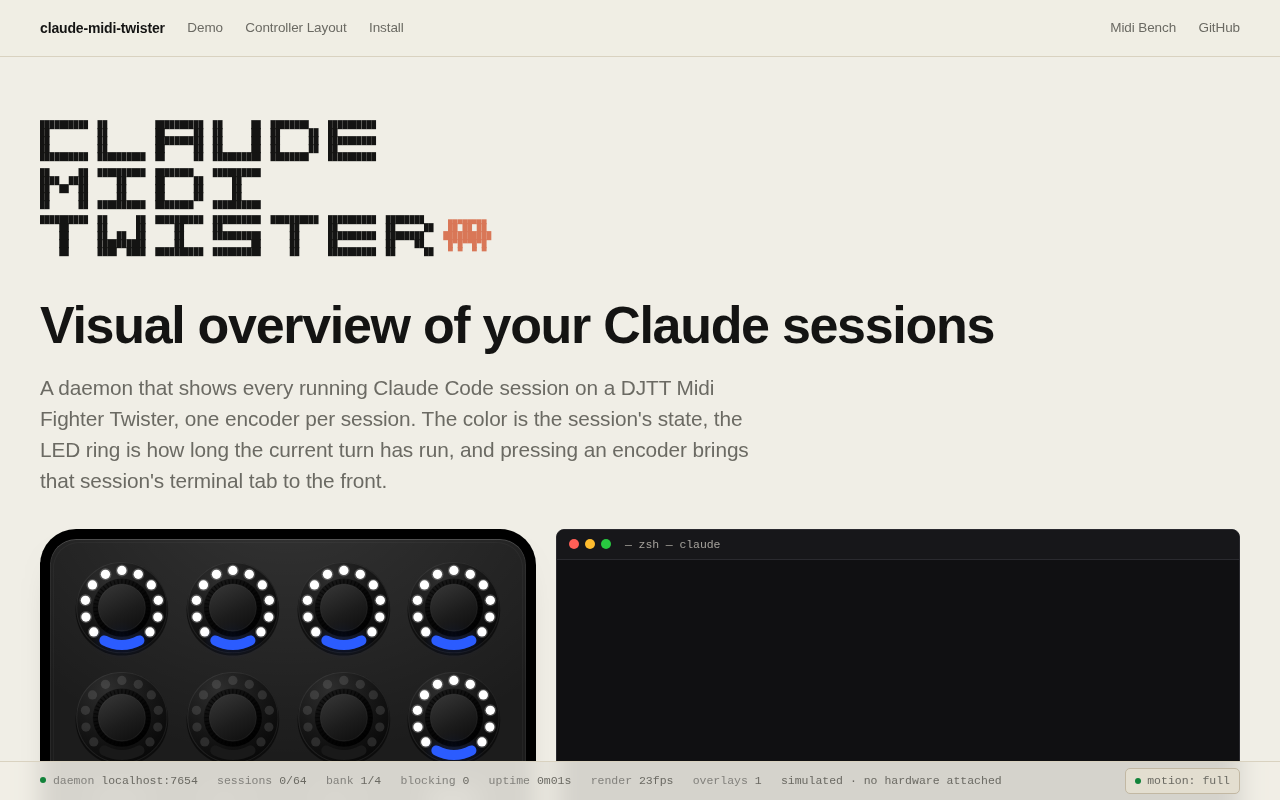
Claude MIDI Twister 把每个 Claude Code 会话绑定到一个 MIDI 旋钮
颜色标识会话状态——空闲、运行中
还是卡住了
旋钮转角对应 turn count
按下去直接跳到对应终端 tab
Claude MIDI Twister binds each Claude Code session
to one MIDI knob. Color shows session state
— idle, running, or stuck. Ring angle maps
to turn count, and pressing the knob jumps
to that terminal tab
★ SIGNAL 1
物理反馈,不用盯屏
Physical Feedback, No Screen
这才是聪明的地方——终端 IDE 里你得来回切才能知道哪个会话在跑
哪个挂了
但旋钮放在桌上,余光扫一眼颜色就懂了
这不是为了炫技,是真的解了并发开发的痛点
This is the smart part — in a
terminal you have to switch tabs to know
what's running. But the controller sits on your
desk, and a color glance tells you everything
It's not flex — it actually solves a
real concurrency pain
★ SIGNAL 2
没硬件也能玩
No Hardware? Try the Simulator
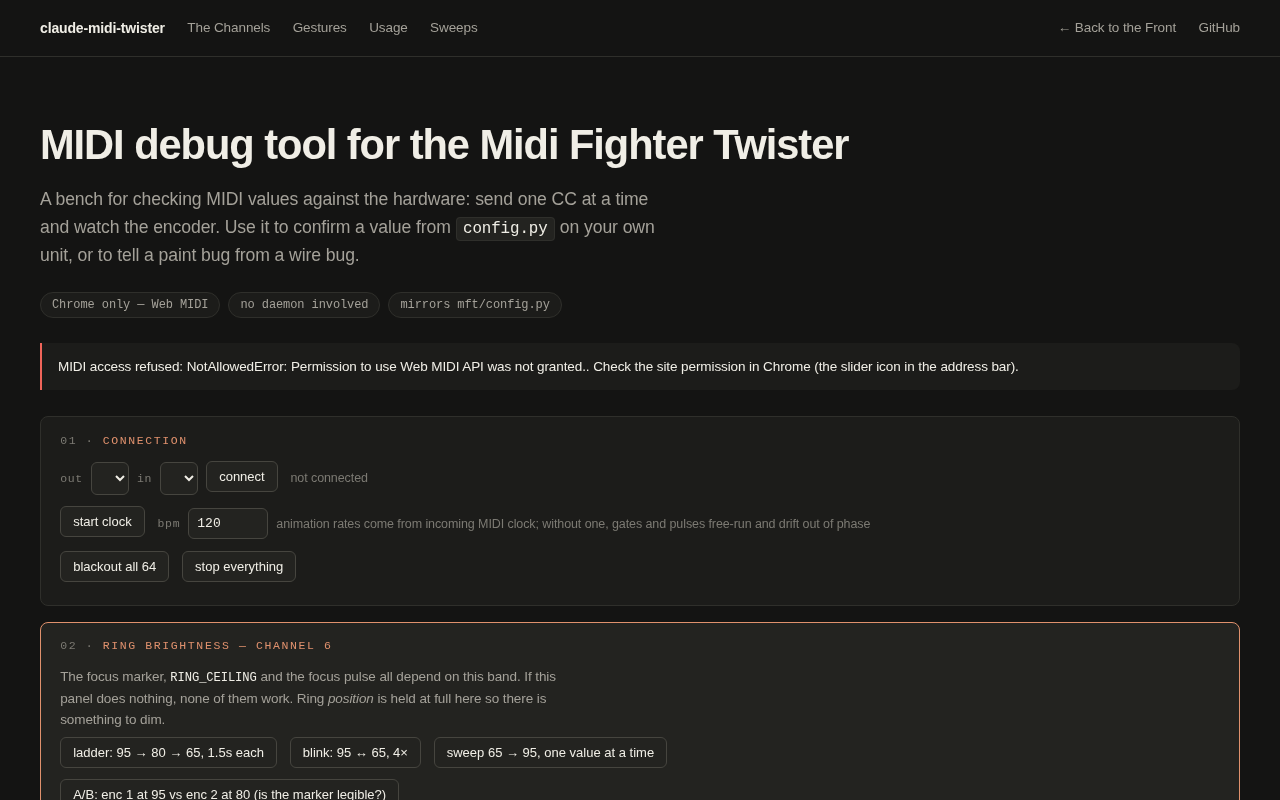
作者在页面上做了一个浏览器版的 Twister 模拟器
鼠标点旋钮就能体验交互逻辑
大多数人发 MIDI 项目就甩个 demo 视频完事了
但他专门做了这个
说明他真想让人搞明白这东西在干嘛
The author built a browser simulator of the
Twister layout right on the page — click
knobs with your mouse to feel the interaction
Most people just post a demo video, but
he built this, which means he actually wants
people to get it
整个项目就是个人开发者周末鼓捣出来的东西
没有文档站,没有商业化计划
连作者简介都是一句话
这种人做东西
纯粹是因为自己跑多会话跑烦了
The whole thing is a weekend project. No
docs site, no monetization plan, barely an author
bio. The kind of person who builds something
because they got annoyed running multiple sessions themselves
AI UNDERDOGS

页面里就能玩模拟器
Try the simulator right on the page
Claude MIDI Twister
关注 · 每天发现更多 AI 神作
www.dylanfisher.com/claude-midi-twister