AI UNDERDOGSDAILY PICK
AI UNDERDOGS
🎡 把心情画成地图
🎡 Map your moods
Feel Forward
市面上有一万个情绪记录 App
但这个打开不用注册
先问你:数据放哪?
There are a million mood trackers out there
— but this one opens by asking where
your data lives, not asking you to sign
up
第一屏是选择权
First screen = your choice
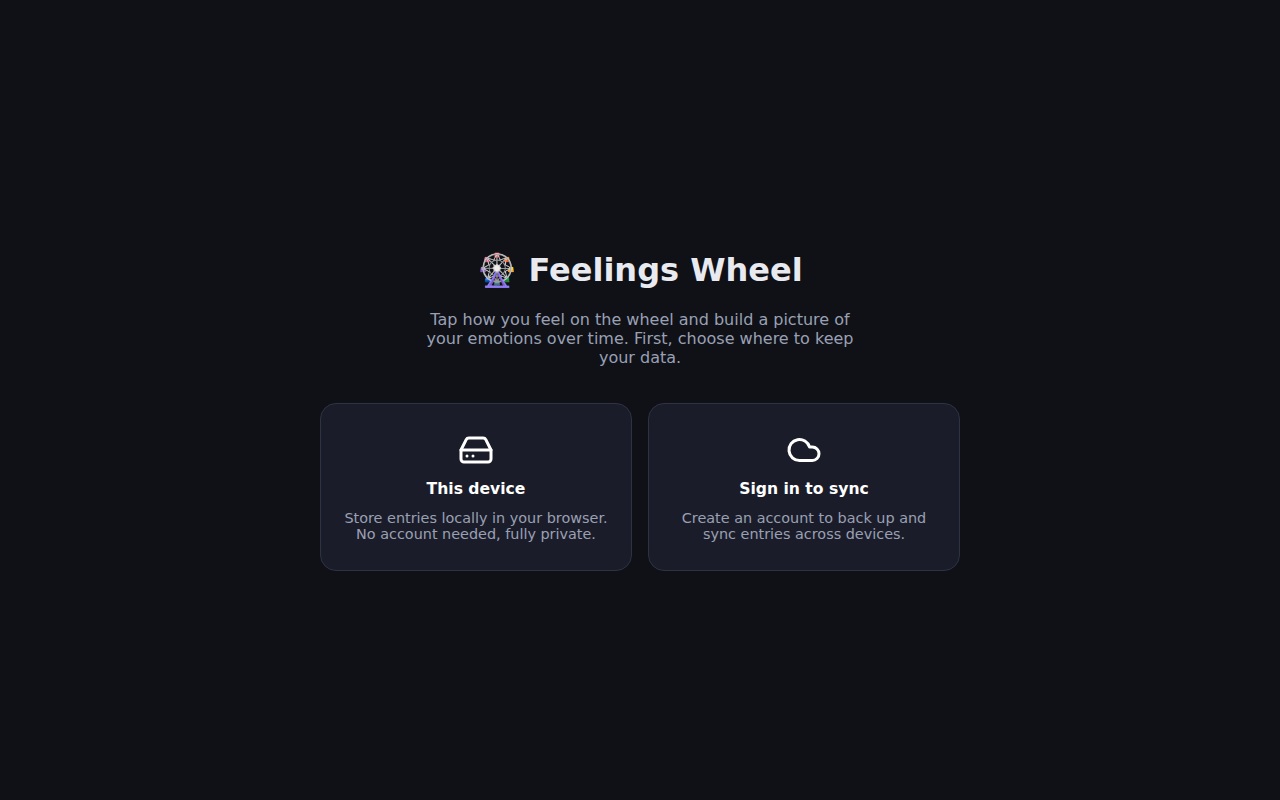
打开 Feel Forward
第一个画面不是注册表单
而是让你选:数据只存本地浏览器
还是注册账号云端同步
隐私不是埋在设置页第五屏的承诺
而是你进门的第一个决定
Open Feel Forward and the first thing you
see isn't a sign-up form — it's a
choice: store locally in your browser, or create
an account to sync. Privacy isn't buried five
pages deep in settings
it's the very first decision you make
★ SIGNAL 1
不是下拉框,是轮盘
Not a dropdown, a wheel
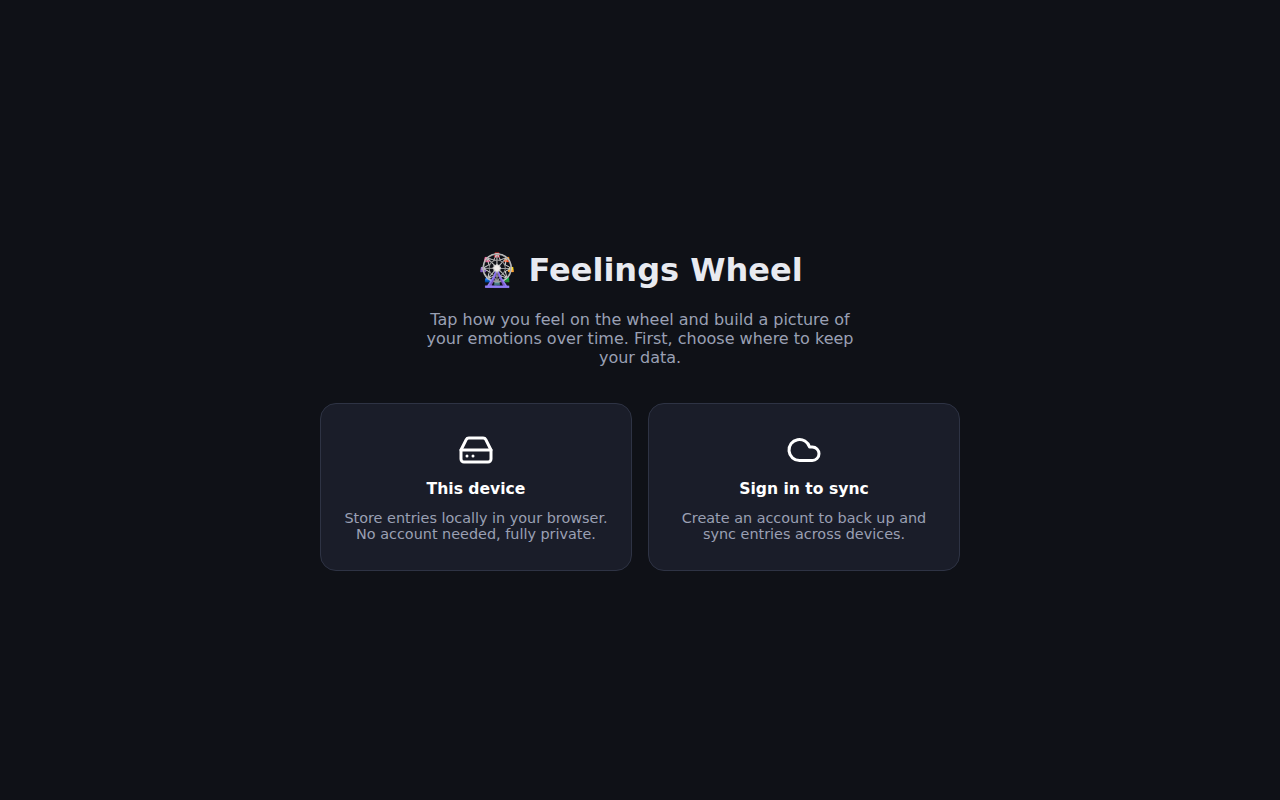
记录情绪不用打字
不用从列表里挑——直接在情绪轮盘上点
选哪个颜色、什么位置
这个操作本身就在帮你辨认自己的感受
而且完全离线能用
本地优先架构做起来费劲
但做对了体验完全不一样
No typing, no dropdown — you tap directly
on the wheel. The act of picking a
color and position helps you actually identify the
feeling. Plus it works fully offline because local-first
architecture takes real effort to build right, but
the payoff is a different class of product
★ SIGNAL 2
作者标题写了 vibe-coded
Author said 'vibe-coded'
在 Hacker News 的帖子里
作者标题直接写了「vibe-coded」——2025 年了
坦诚告诉别人这是用 AI 帮忙写的
这本身就是一种态度
不是藏着掖着,而是说:工具是 AI
品味和判断是我的
The author literally wrote 'vibe-coded' in the HN
title. In 2025, being upfront about using AI
to build is itself a signal. It says
the tools are AI, but the taste and
judgment are mine
它是 PWA
装到手机上跟原生 App 一样用
代码开源在 GitHub
你可以自己看数据怎么处理的
一个人做的
vibe-coded 的
但本地离线、隐私优先
情绪轮盘交互这些硬活儿一个没少
It's a PWA — install it on your
phone and it feels native. Code's open-source on
GitHub so you can see exactly how data's
handled. One person built this with AI, but
the hard parts — local-first, privacy-by-default, wheel interaction
— are all solid
AI UNDERDOGS

来自 Hacker News · 开源 · 不用注册就能试
From Hacker News · Open-source · Try it without signing up
Feel Forward
关注 · 每天发现更多 AI 神作
feel-forward.web.app