AI UNDERDOGSDAILY PICK
AI UNDERDOGS
你的 Claude Code 技能,哪个最烧钱?
Which Claude Code skill eats your budget?
fernandezbaptiste/trode
你天天用 Claude Code 的各种 skill
但你知道哪个最烧 token 吗?
You hammer Claude Code skills all day —
but do you know which one's eating your
tokens fastest?
Trode:菜单栏里的 Claude Code 看门狗
Trode — a menu bar watchdog for Claude Code
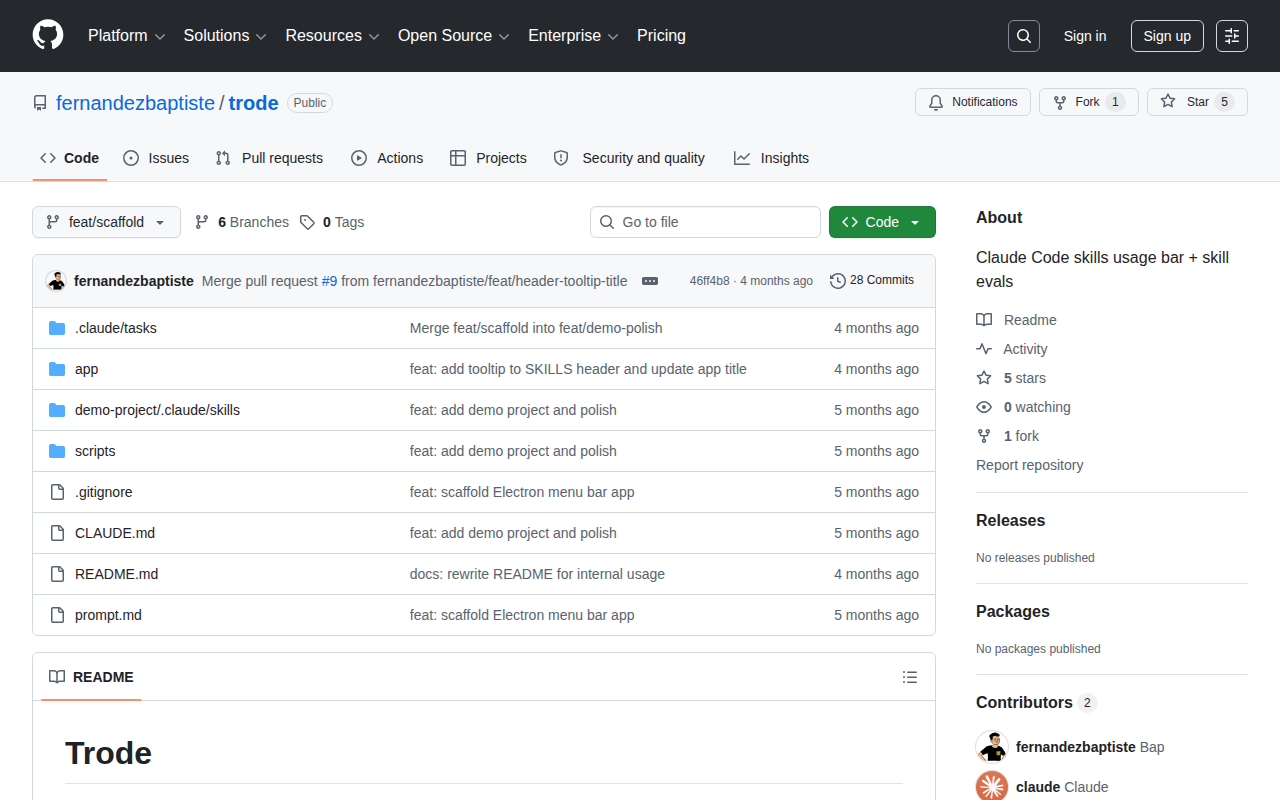
Trode 是个 macOS 菜单栏小工具
专门监控你 Claude Code 每个 skill 到底烧了多少 token
不用打额外的终端窗口
也不用翻 billing 页面
Trode is a tiny macOS menu bar app
that monitors how many tokens each of your
Claude Code skills is consuming. No extra terminal
window, no digging through billing pages
★ SIGNAL 1
菜单栏,不是 CLI
Menu bar, not another CLI
作者完全可以再做一个 CLI 面板
但他选了菜单栏
不打断你写代码,瞄一眼就知道情况
在开发者工具里
这种"别打断我"的产品直觉其实挺稀缺的
The author could've built yet another CLI panel
— but he went with the menu bar
One glance, no context switch. That "don't break
my flow" instinct in dev tools is rarer
than you'd think
★ SIGNAL 2
不只数 token,还帮你评 skill
Not just a counter — skill evals included
最让我觉得有点意思的是
它不只是个 token 计数器
仓库里自带了 skill eval 的任务结构和 demo 项目
它想帮你判断哪些 skill 真正值得保留
What caught my eye — it's not just
counting tokens. The repo ships eval tasks and
a demo structure. It's trying to help you
figure out which skills actually pull their weight
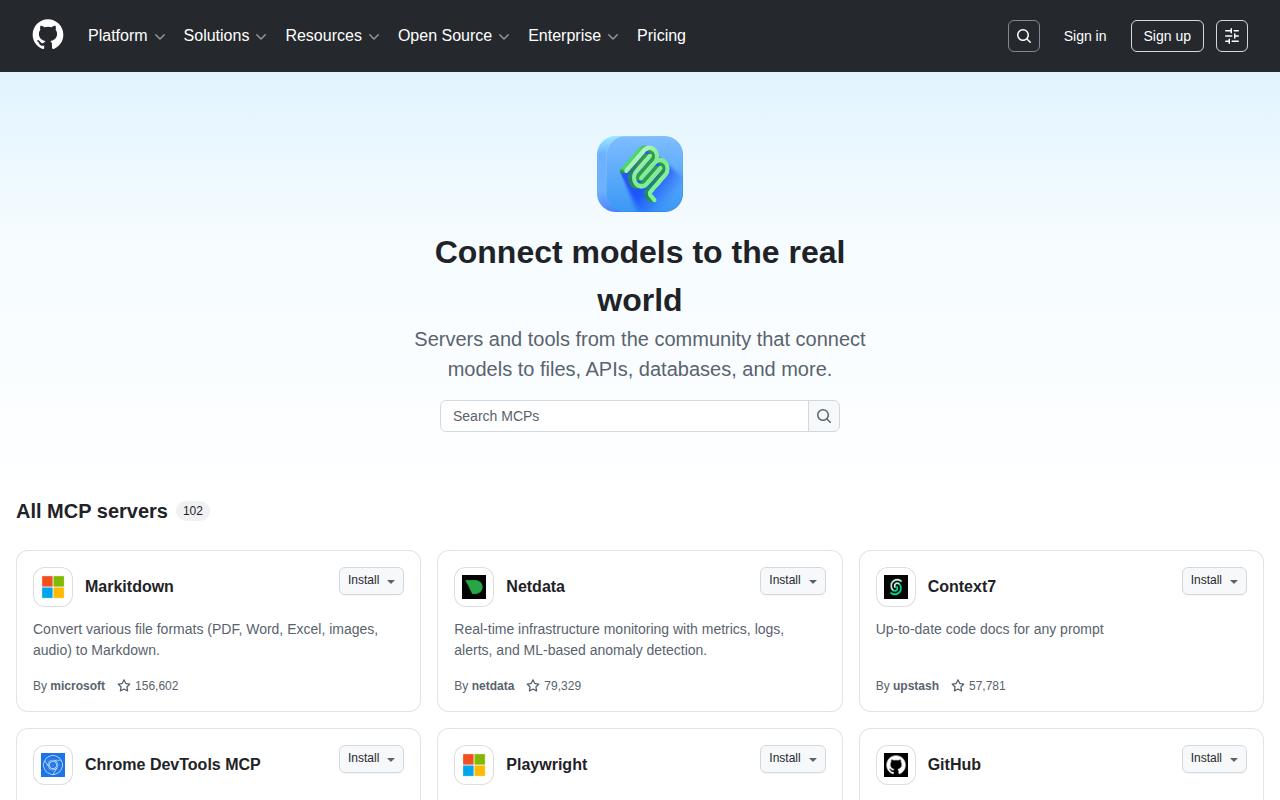
5 颗 star,28 次提交
肯定还很早期,可能还有 bug
但一个独立开发者觉得"我得看清楚自己的 skill 用量"
然后真动手做了个菜单栏工具
这个方向本身我觉得对
Five stars, twenty-eight commits — clearly early, probably
has rough edges. But a solo dev thinking
"I need to see where my skill tokens
go" and actually shipping a menu bar tool
for it — the direction just makes sense
AI UNDERDOGS

Claude Code 重度用户,装上看看你的钱花在了哪
If Claude Code is your daily driver — see where the money goes
fernandezbaptiste/trode
关注 · 每天发现更多 AI 神作
github.com/fernandezbaptiste/trode