AI UNDERDOGSDAILY PICK
AI UNDERDOGS
AI画的字能装进电脑了
AI letters → real font
wyattmattoe/Image-to-font-extractor
Midjourney画的字母好看是好看
但想装进电脑当字体用?
之前得手动一个一个描
这个工具直接帮你搞定
AI generators are getting scary good at lettering
But install those glyphs as an actual font?
That's still a manual slog — until now
字形图进,TTF出
Image in, font out
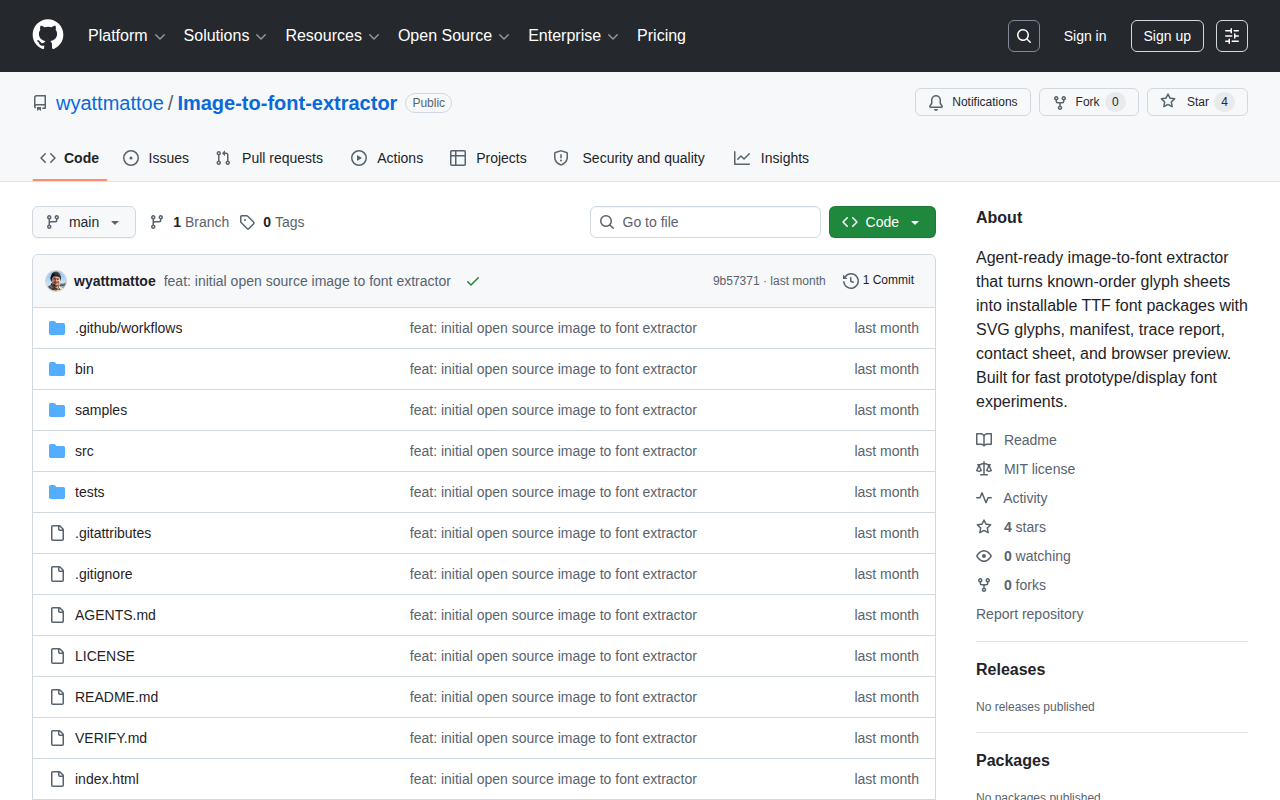
用法很简单:截一张包含A到Z的字形图喂给它
它自动识别每个字符轮廓
输出标准TTF文件,双击就能装
Feed it a glyph sheet — anything from
A to Z — and it auto-traces each
character's outline, then packages it into a standard
TTF you can double-click to install
★ SIGNAL 1
不只导出,整套调试包
Full debug package
作者显然知道提取只是第一步
真正的麻烦是验证
所以输出不只一个TTF——还有SVG轮廓
trace报告告诉你每个字描得怎么样
联系表一眼扫完所有字符
浏览器预览页直接看效果
The author clearly knows extraction is step one
— debugging is the real pain. So output
isn't just a TTF. You get SVG outlines
a trace report showing how each glyph was
traced, a contact sheet to eyeball everything, and
a browser preview page
★ SIGNAL 2
为AI Agent而生
Built for AI agents
README里直接写了Agent-ready
所有输出都是结构化的
带标准化manifest——你可以把它塞进LLM工作流里
让AI自动批量生成字体
不需要人盯着GUI点按钮
The README literally says 'Agent-ready.' All outputs are
structured with standardized manifests — meaning an LLM
pipeline can call it directly, batch-generating fonts without
a human clicking through a GUI
这是GitHub开源项目
不是成熟商业产品
但trace报告这个细节很聪明——AI描的轮廓不可能完美
作者干脆把每个字的描摹质量都摊开给你看
哪些需要手动修一目了然
It's a GitHub open-source project, not a polished
commercial product. But that trace report is a
smart move — the author knows AI-traced outlines
won't be perfect, so he shows you exactly
how each glyph was traced, letting you decide
what needs manual fixing
AI UNDERDOGS
字形图直接变TTF字体文件
Glyph sheet in, installable TTF out
wyattmattoe/Image-to-font-extractor
关注 · 每天发现更多 AI 神作
github.com/wyattmattoe/Image-to-font-extractor