AI UNDERDOGSDAILY PICK
AI UNDERDOGS
用 Claude Code 给 Claude Code 写了个 GUI
Claude Code Built Its Own GUI
ydxred/claude-desktop
有人用 Claude Code
给自己写了一个桌面窗口版
对,你没听错,AI 给自己造了个壳
Someone used Claude Code to build a GUI
for Claude Code. The AI literally made itself
a desktop window
终端恐惧症的解药
Terminal Phobia? Fixed.
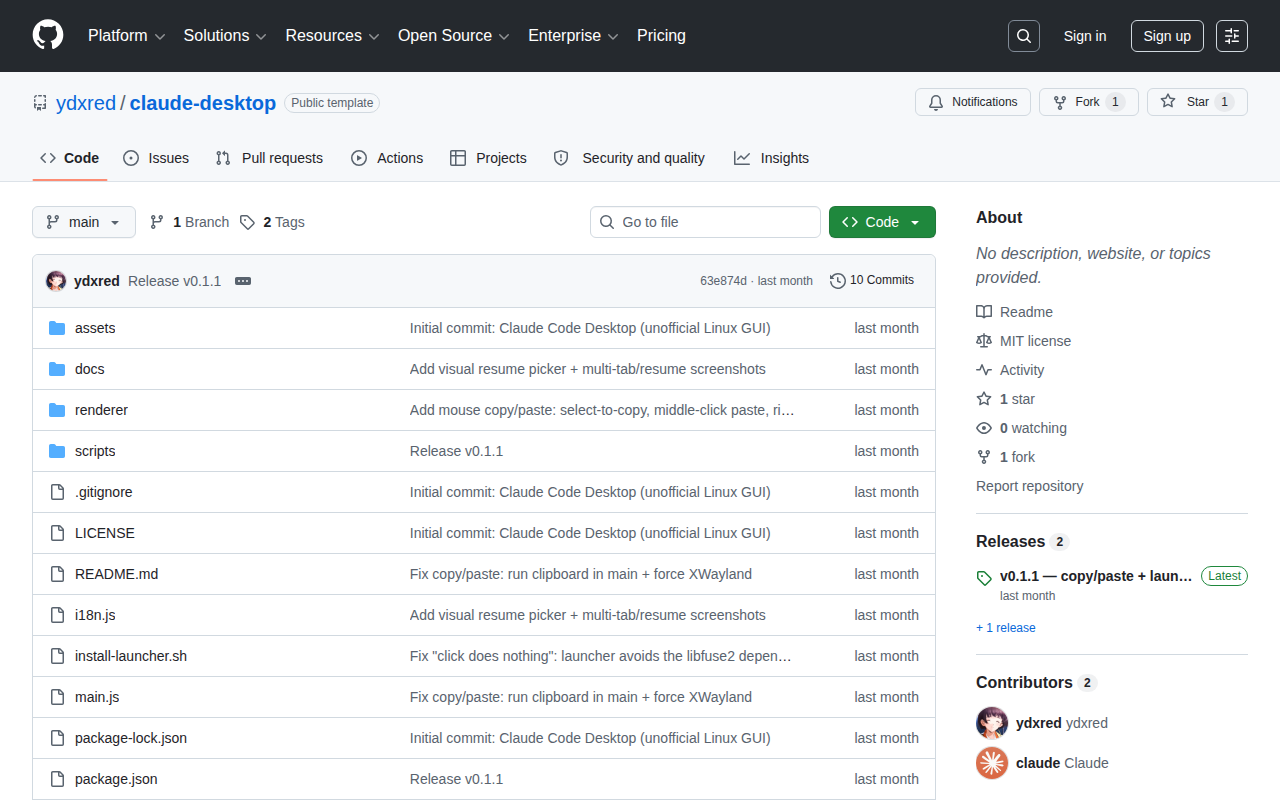
Claude Code 默认跑在终端里
黑底白字那种
但很多人就是不想碰命令行
这个项目把它装进了一个正经的桌面应用
Linux 上直接打开就能用
Claude Code lives in the terminal by default
But some folks just don't want to touch
a command line. This wraps it in a
proper desktop app for Linux — double click
and go
★ SIGNAL 1
鼠标能用了
Mouse Actually Works
终端里复制粘贴有多反人类不用我多说
这里选中文字直接复制,鼠标中键粘贴
右键还有上下文菜单
多标签页、会话恢复也都做了
这不是套个壳,是真的在补终端做不到的事
Select text to copy, middle-click to paste, right-click
for a context menu — things terminals just
can't give you. Multi-tab support and session resume
are in there too. It's not a wrapper
it's real mouse interaction
★ SIGNAL 2
AI 写的,跑给 AI 用
AI-Written, AI-Tested
最狠的一点:这整个项目是作者用 Claude Code 一行行写出来的
吃自己的狗粮,边开发边验证能不能用
代码全开源在 GitHub,自己去看
The wildest part: the author wrote this entire
project line by line using Claude Code itself
Dogfooding before shipping — building and testing at
the same time. Fully open source on GitHub
目前只支持 Linux
macOS 和 Windows 还没有
项目还很新,肯定有坑
但代码全开源
Star 一下提个 Issue 说不定作者就加了
Right now it's Linux only — no macOS
or Windows yet. It's early, there will be
rough edges. But the code's all open source
so you can fix what bugs you or
open an issue
AI UNDERDOGS

元开发:自己吃自己的狗粮
Meta devception: dogfooding at its finest
ydxred/claude-desktop
关注 · 每天发现更多 AI 神作
github.com/ydxred/claude-desktop