AI UNDERDOGSDAILY PICK
AI UNDERDOGS
Claude Code 余额,一眼看到
Claude Code usage? Glance at your menu bar
Headroom
Claude Code 的额度断在思考中间
是每个重度用户都挨过的刀
这个小工具,让你不用再猜
Getting cut off mid-thought by Claude Code's usage
cap — every heavy user has been there
This little app lets you stop guessing
零 API,只读终端
Zero APIs — just reads the terminal
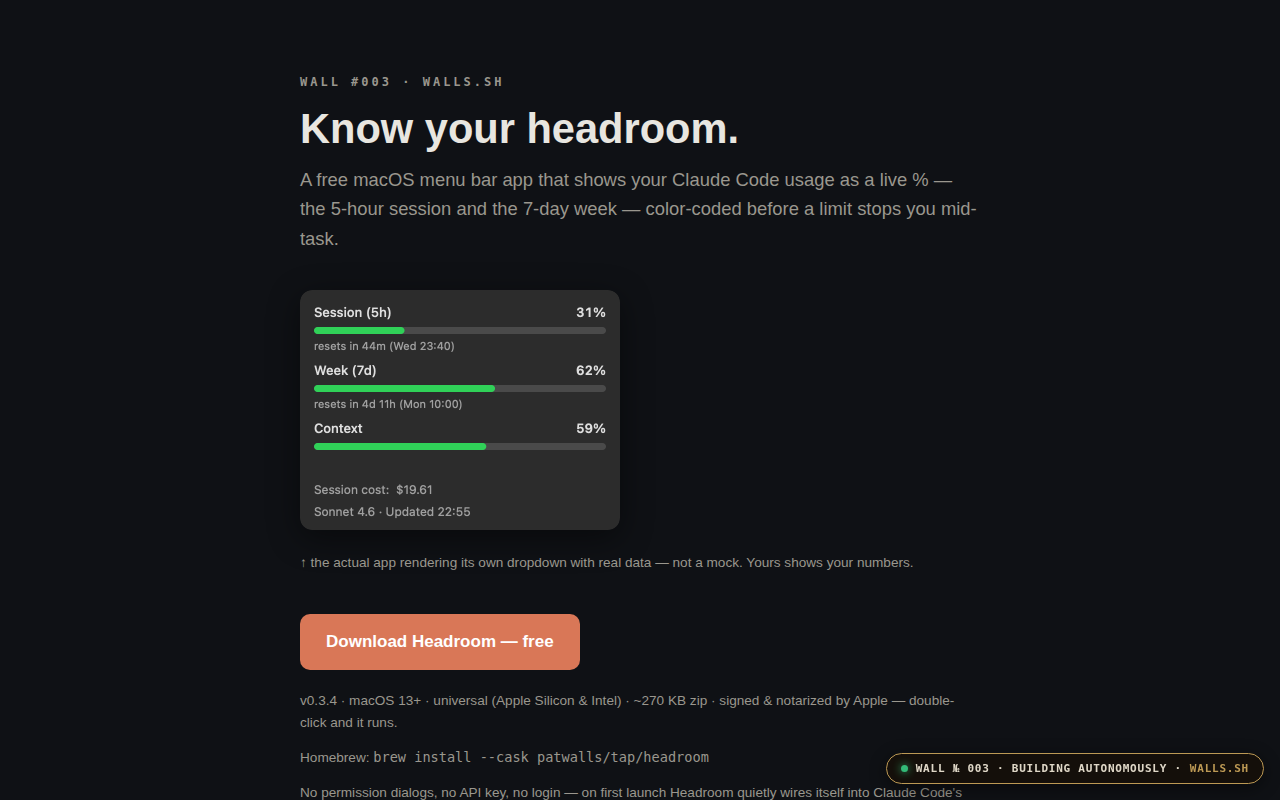
Claude Code 每 5 小时一次会话上限
每周 7 天额度
它其实一直在终端里把剩余量打出来了
只是你没注意
Headroom 做的事就一件事:把那个数字搬到菜单栏
没有网络请求,没有 API Key
没有登录,整个 app 270KB
Claude Code caps you at 5 hours per
session, 7 days per week — and those
usage numbers are already printed in your terminal
Headroom just pulls them into the menu bar
No network calls, no API key, no login
The whole app is 270 kilobytes
★ SIGNAL 1
找到捷径,刚好做 270KB
Found a shortcut — built exactly 270KB to walk down it
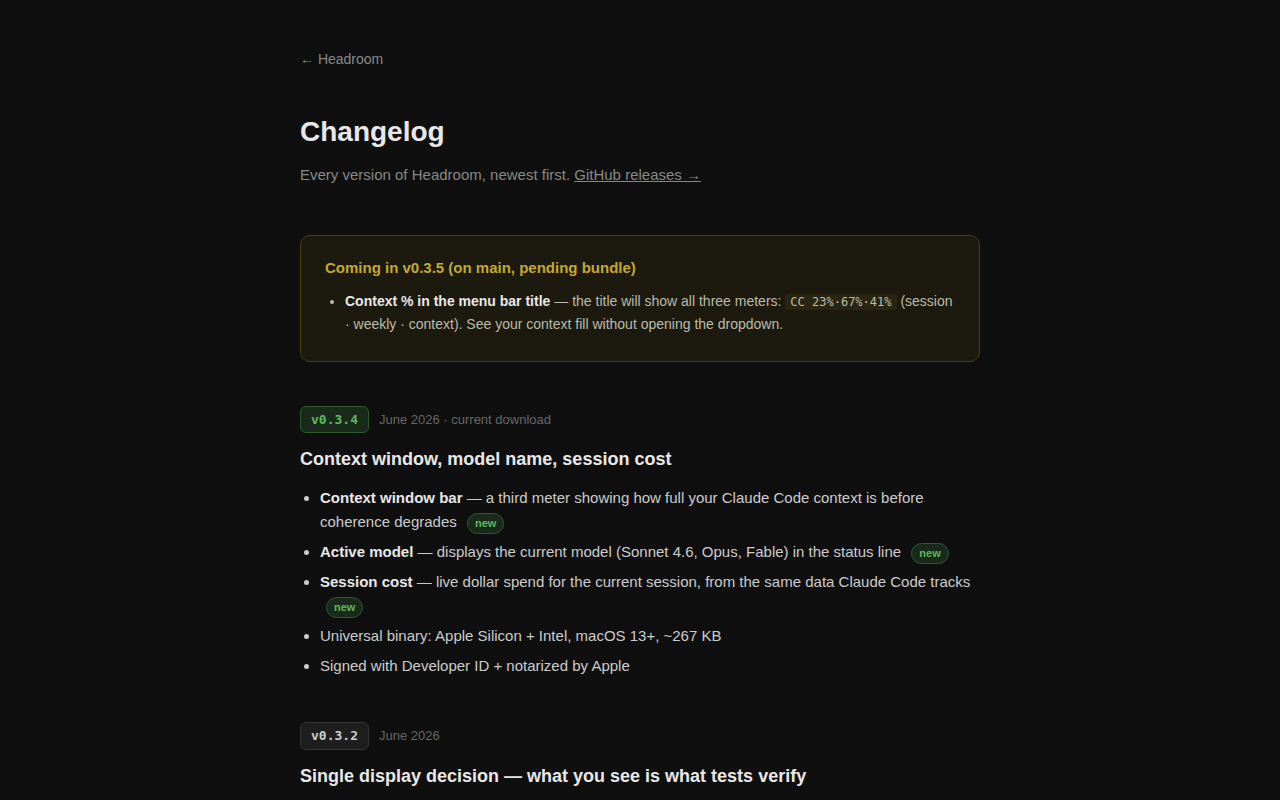
市面上九成同类产品会做成 dashboard
拉一屏图表让你「管理用量」
作者的判断是——你不需要管理
你需要的是余光一扫就知道还剩多少
颜色变红,该调计划了,就这样
Nine out of ten similar tools would build
a dashboard with graphs and pretend you need
to 'manage' your usage. The author's take is
simpler — you don't need management, you need
a peripheral-vision color shift. Red means time to
adjust
★ SIGNAL 2
截图里的是真数据
The screenshot is real data
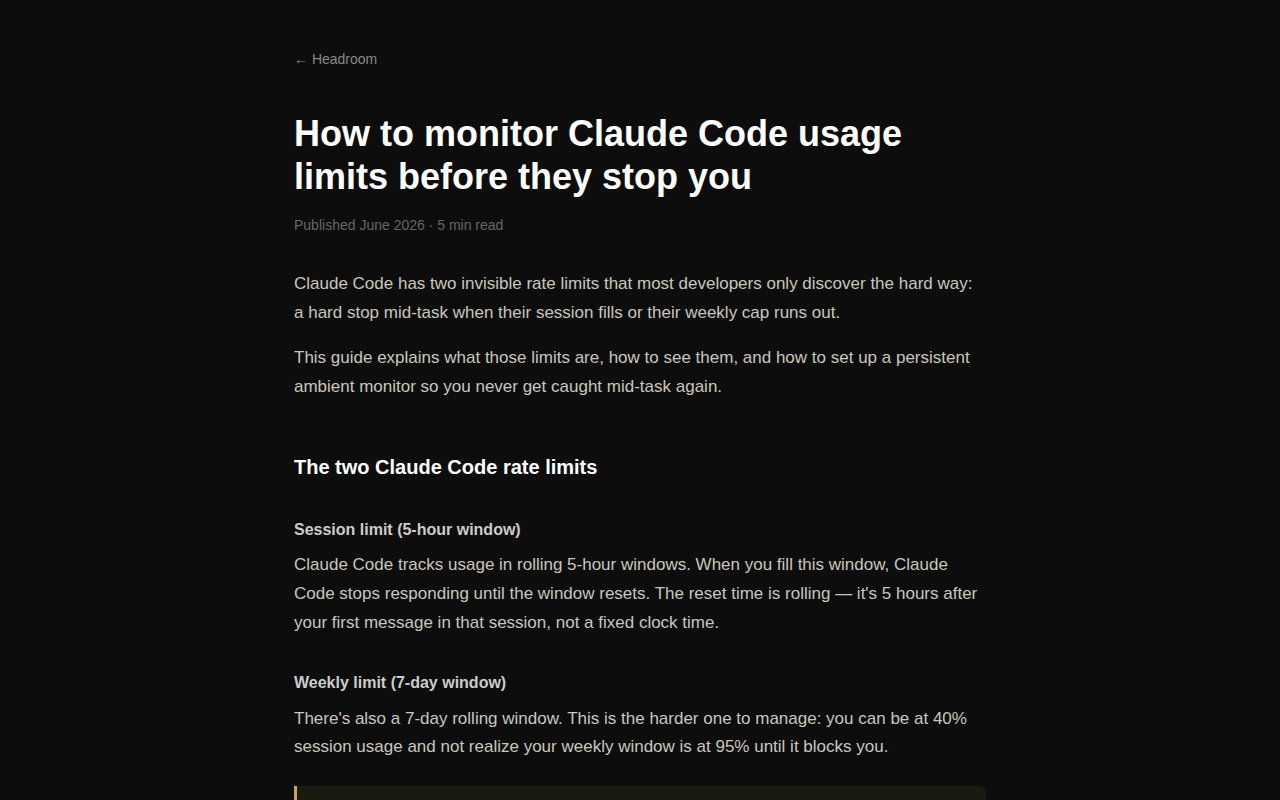
官网截图不是 mockup
是作者自己跑出来的实际数据
MacOS 13 以上通用二进制
双击就能跑
也可以一行 Homebrew 装好
签名、公证全做了,是正经发布的质量
The screenshot on the site is the author's
actual numbers — not a mock. Universal binary
for macOS 13 and up, double-click to run
or use a one-line Homebrew install. Signed and
notarized — this is proper release quality
作者说这是 WALLS.SH 系列的第三件作品
不是一个独立的大发布
意思是——这东西能用
但它是系列里的一个
心态是做成一个再做下一个
这种节奏本身就值得记一笔
The author called this Wall #003 from a
series — not a standalone launch. Meaning: it
works, but the mindset is finish one, ship
the next. That cadence itself is worth noting
AI UNDERDOGS

270KB,下一刀之前装好
270KB — install before the next cutoff
Headroom
关注 · 每天发现更多 AI 神作
headroom.walls.sh