AI UNDERDOGSDAILY PICK
AI UNDERDOGS
劫持用户的鼠标
Hijack the user's cursor
Control User Cursor
浏览器光标大概是整个页面最无聊的交互元素
但这个库说:别浪费它
The browser cursor is the most ignored interaction
layer on any page. This library says: stop
wasting it
光标即交互
Cursor as interaction
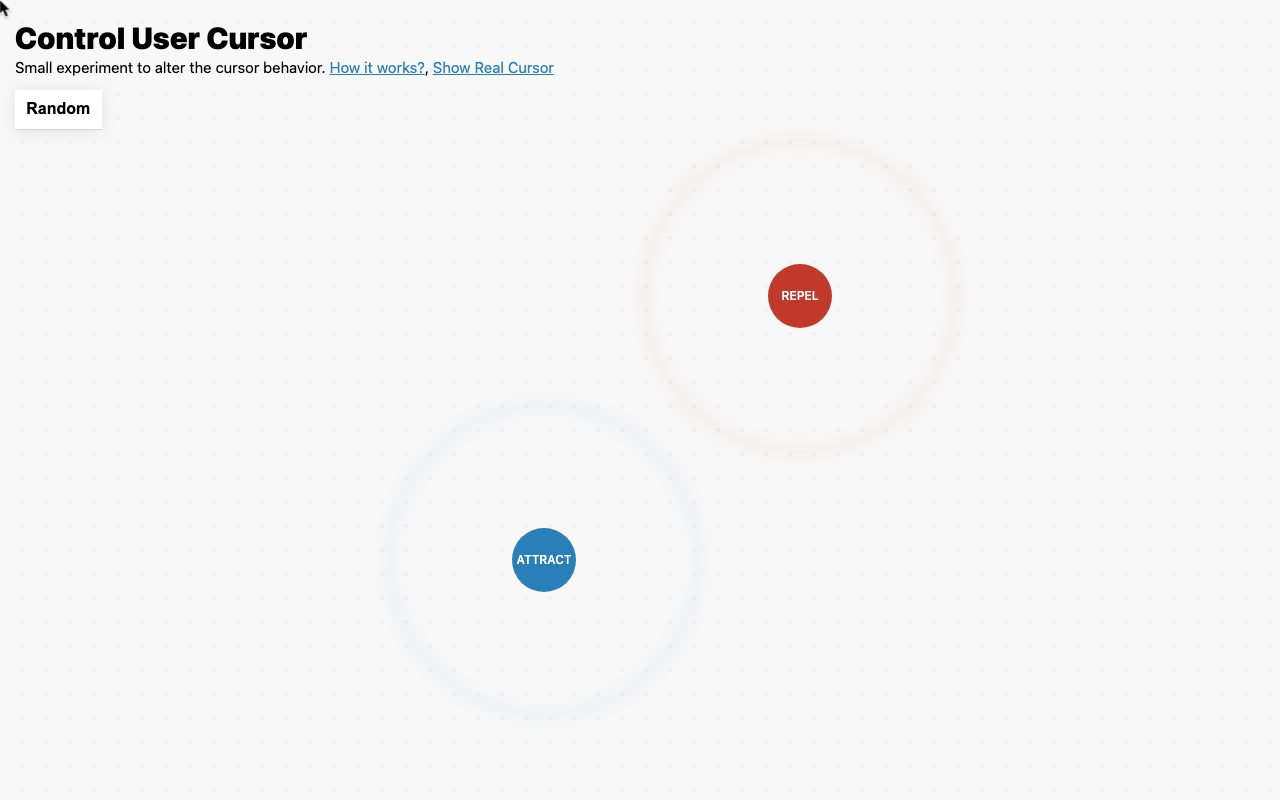
javierbyte 做了个 JS 库
把系统光标替换成一个可以控制的粒子
吸引模式下鼠标像磁铁
排斥模式下鼠标被推开
作者自己说这是个小实验,但说实话
这个思路打开了一个所有人都忽略的交互层
javierbyte built a JS library that replaces the
system cursor with a controllable particle. Attract mode
pulls it like a magnet, repel mode pushes
it away. He calls it a small experiment
but it opens an interaction layer everyone ignores
★ SIGNAL 1
光标不该是装饰
Cursor ≠ decoration
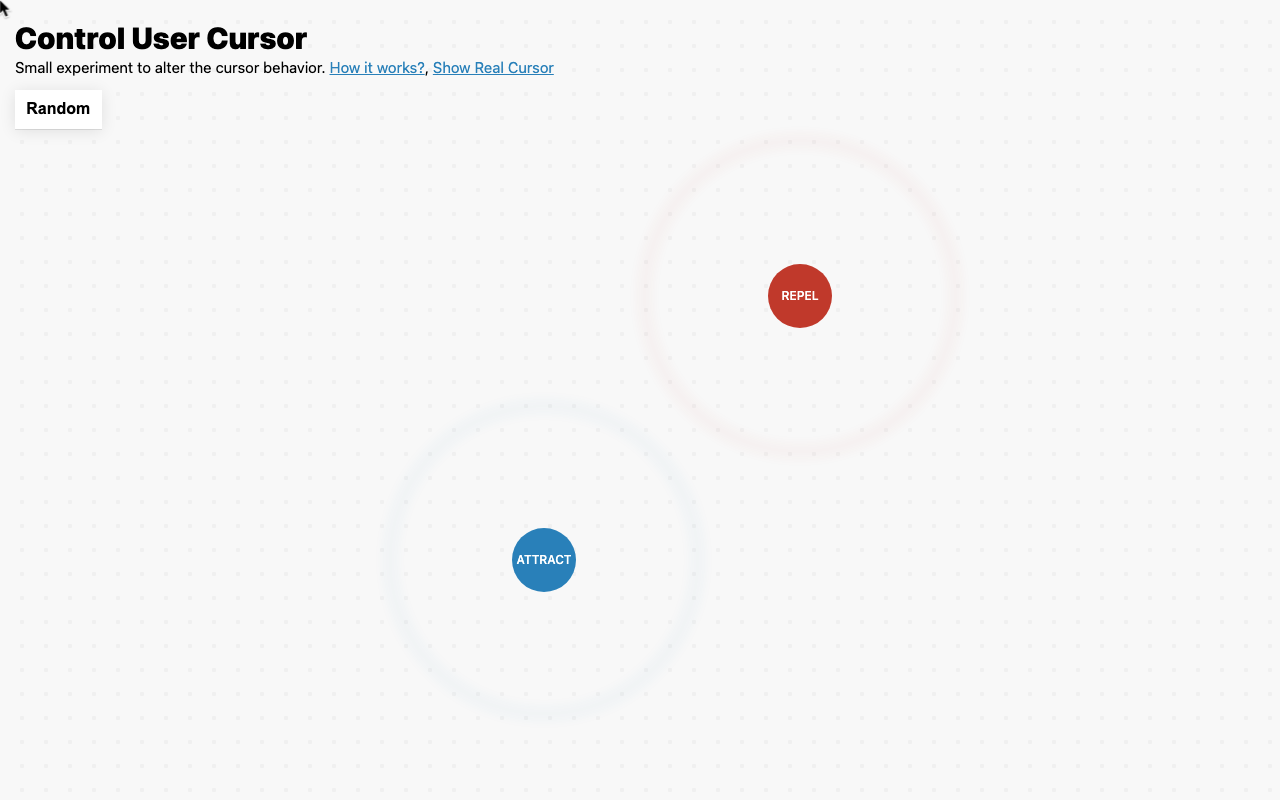
大多数前端开发者把光标当成默认状态——pointer
grab、default
换几个图片就完事
javierbyte 直接把它变成了一个物理粒子
有引力、有斥力、有跟随行为
这不是装饰,这是在光标层面做交互实验
Most frontend devs treat the cursor as default
states — pointer, grab, default, swap a few
images, done. javierbyte turned it into a physics
particle with gravity, repulsion, and follow behavior. This
isn't decoration — it's interaction experimentation at the
cursor level
★ SIGNAL 2
那个调试开关
That debug toggle
库里有个小细节:一个'显示真实光标'的开关
打开它
你能同时看到系统光标和被改造的粒子
直观对比差距
这个功能不是给普通用户设计的
是给像作者一样想反复调试
反复实验的人设计的
市面上九成同类工具不会这样想
There's a small detail in this library: a
'show real cursor' toggle. Flip it, and you
see the system cursor alongside the hacked particle
— instant visual comparison. That feature isn't built
for end users. It's built for people like
the author who want to iterate and experiment
Nine out of ten similar tools wouldn't think
of this
作者原话:'Small experiment to alter the cursor behavior'
就这一句,没有任何包装
但正是这种'我就是想试试光标还能怎么玩'的心态
做出来的东西才有意思
不是为了做个库,是为了验证一个想法
The author's own words: "Small experiment to alter
the cursor behavior." That's it — no packaging
no hype. But it's exactly this mindset of
'I just want to see what else the
cursor can do' that makes the result interesting
Not building a library — testing a hypothesis
AI UNDERDOGS

开源,MIT 协议,直接拿去玩
Open source, MIT license — go hack it
Control User Cursor
关注 · 每天发现更多 AI 神作
javier.xyz/control-user-cursor