AI UNDERDOGSDAILY PICK
AI UNDERDOGS
AI 幻灯片,终于能改了
AI decks you can actually edit
NextPPT
AI 帮你生成了一套超好看的 HTML 幻灯片
但你想改个字
只能重新 prompt?
NextPPT 让你直接点击编辑
再导出成 PPTX
AI generates a gorgeous HTML slide deck, but
need to fix one word?
You're stuck re-prompting. NextPPT lets you click anything
to edit, then export to PPTX
HTML 幻灯片编辑器
HTML deck editor
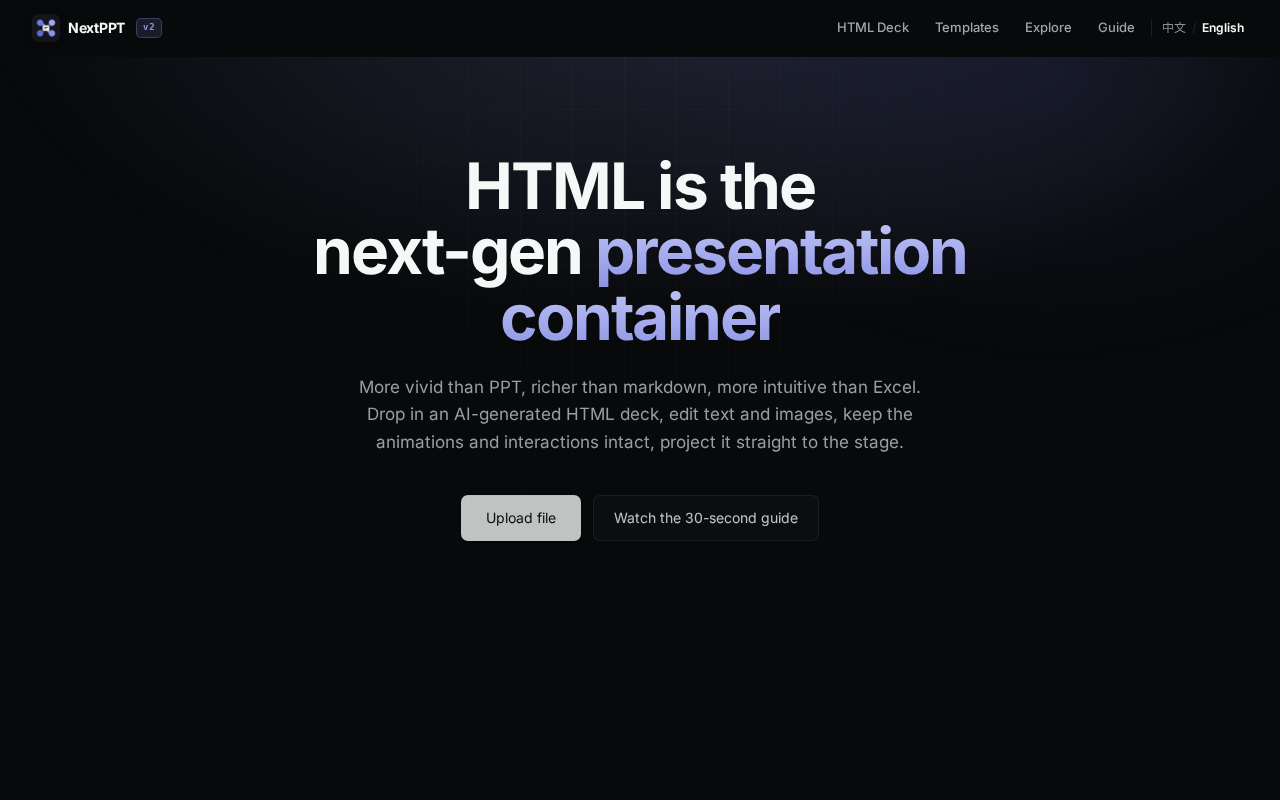
NextPPT 是一个本地的 HTML 幻灯片编辑器
把 AI 生成的 HTML 演示文稿拖进去
文字、图片、布局全都能点选修改
改完直接导出 PPTX 或 PDF
NextPPT is a local HTML slide editor. Drag
in an AI-generated HTML deck, click any element
to edit text, images, or layouts, then export
as PPTX or PDF
★ SIGNAL 1
万物皆可点击
Click anything to edit
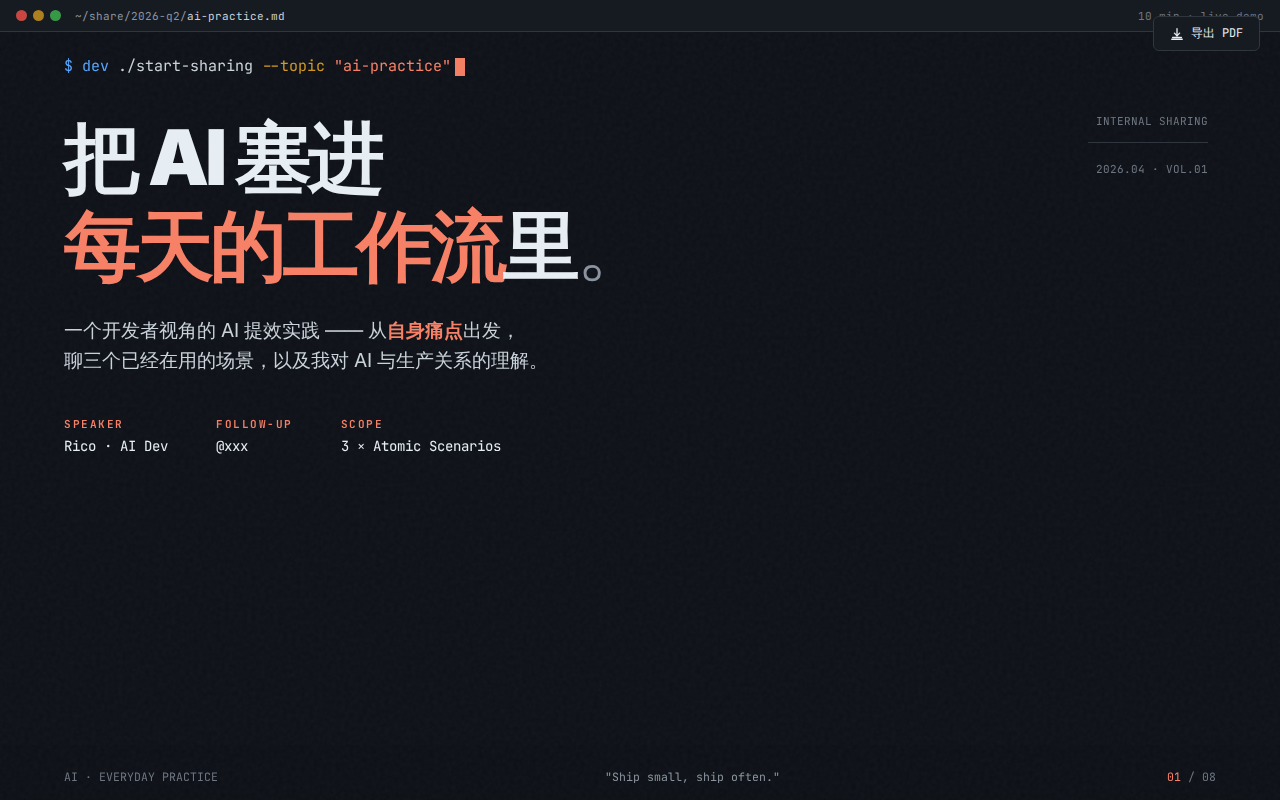
不是把 HTML 转成 PPT 模板就完事了
动画和交互效果在来回转换中都能保留
点哪改哪,字体、图片
布局全都能直接拖拽编辑
这个完成度在本地工具里很少见
It's not just converting HTML to a PPT
template. Animations and interactions survive the round-trip. Click
any element — text, images, layouts — and
edit directly. The polish level is notable for
a local-only tool
★ SIGNAL 2
零登录,全本地
Zero login, fully local
拖文件就开用,不用注册不用登录
所有数据全在本地浏览器处理
还自带模板库和完整的使用指南
中英文都有
对独立开发者来说这个开箱体验很省心
Drag a file and go — no sign-up
no uploads, everything runs locally in your browser
Ships with a template gallery and full guide
in both Chinese and English. For a local-only
tool, the onboarding is surprisingly polished
作者自己的描述很简单:「拖入 AI 生成的 HTML 幻灯片
点选编辑,导出 PPT/PDF」
没说什么颠覆体验
就是一个朴素的工具
解决一个真实的痛点
The author's own pitch is simple: drop in
an AI-generated HTML deck, point-and-click to edit, export
to PPT or PDF. No grand claims, just
a practical tool solving a real workflow gap
AI UNDERDOGS

免费 · 本地 · 无需登录
Free · Local · No login required
NextPPT
关注 · 每天发现更多 AI 神作
next-ppt.com