AI UNDERDOGSDAILY PICK
AI UNDERDOGS
瞪眼画变 React 组件
Magic Eye as a React Component
React Stereogram
还记得小时候满墙的「瞪眼画」吗?
有人把整个算法塞进了一个 React 组件
Remember those Magic Eye posters you squinted at
as a kid?
Someone just wrapped the whole algorithm into a
React component
不是 demo,是真组件
Not a Demo — a Real Component
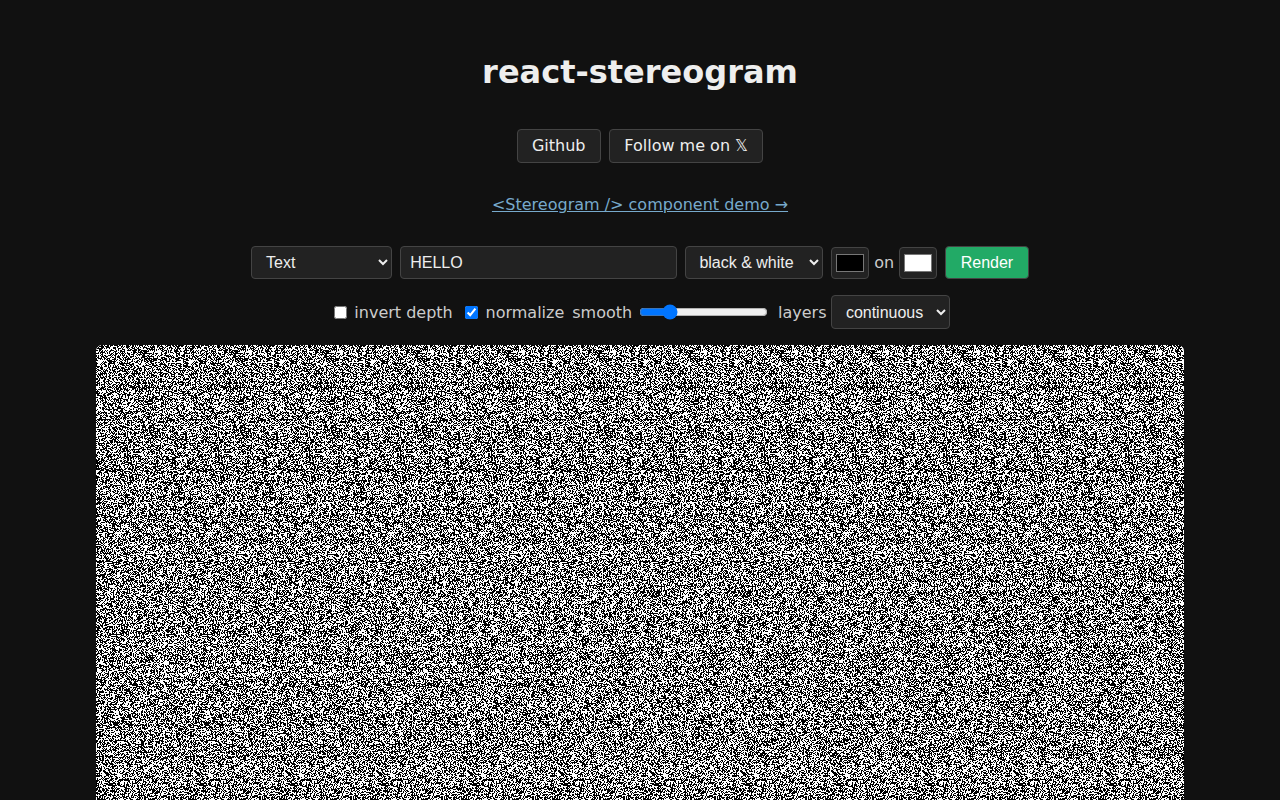
它不是一个静态 demo
你上传任意灰度深度图
选一个纹理色板——彩虹、霓虹
马卡龙——实时出图
大多数同类 demo 都硬编码一张图
这个是交互式的
Most stereogram demos hardcode one image. This one's
interactive — upload any grayscale depth map, swap
between rainbow, neon, and pastel palettes on the
fly, and it renders live
★ SIGNAL 1
6 个可调旋钮
Six Tunable Knobs
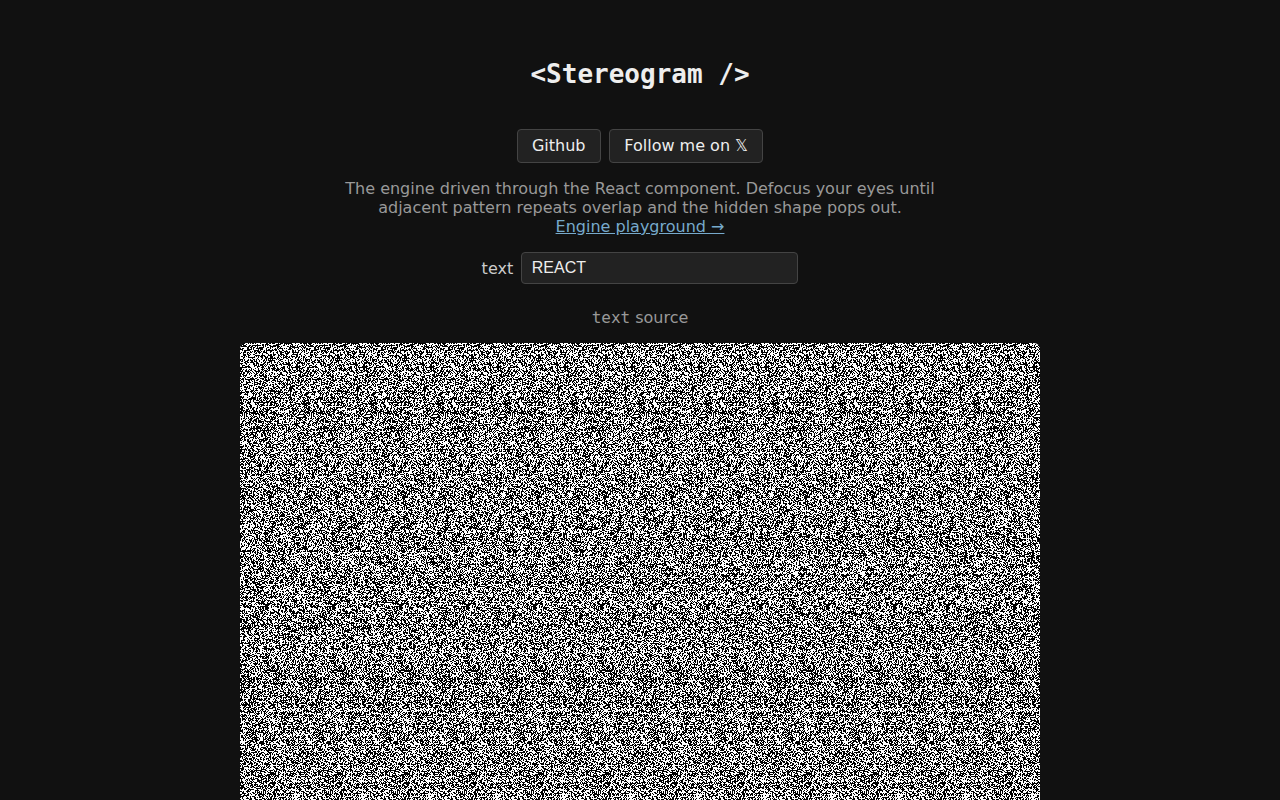
层数、平滑度
自动归一化——这些参数不是摆设
作者说 brighter pixels come nearer
所以他还加了个反转深度开关
大多数照片里主体比背景暗,不开反转
主体就陷进去了
Tweakable layers, smoothness, invert-depth toggle, auto-normalize — these
knobs aren't paper defaults. The author says brighter
pixels come nearer, so he added a depth-inversion
switch for photos where your subject is darker
than the background
★ SIGNAL 2
真的调过才知道
Only someone who stared at these would know
这六个旋钮的组合,不是随便写的默认值
层数多了融合太难,少了 3D 感太弱
平滑度影响边缘过渡
能想到在组件里暴露这些
说明作者自己反复调过
知道什么参数真的影响融合体验
The knob combos matter — too many layers
and your eyes can't fuse, too few and
the 3D effect flatlines. Smoothness controls edge transitions
Exposing all these means the author tuned them
by hand and knows what actually helps your
eyes lock in
作者原话:「brighter pixels come nearer — if your subject is darker than its background, tick invert depth」
没有花哨的营销话术,就一句实操口诀
告诉你什么情况该按哪个开关
The author's own words: brighter pixels come nearer
— if your subject is darker than its
background, tick invert depth so the subject pops
instead of the background. No fluff, just one
practical rule
AI UNDERDOGS

90 年代那种盯着看能蹦出 3D 的画
Those 90s posters where you stare and a 3D dolphin appears
React Stereogram
关注 · 每天发现更多 AI 神作
ryanlanciaux.com/react-stereogram