AI UNDERDOGSDAILY PICK
AI UNDERDOGS
AI 真的能靠你的电脑干活了
Your AI can now run your desktop
Automation Skill Builder
MCP 协议火了
但 AI 拿到工具后真的能操作你的桌面吗?
这个项目在认真回答这个问题
MCP is everywhere now — but can AI
actually drive your desktop once it has the
tools?
This project is taking that question seriously
可视化构建自动化技能
Build automation skills visually
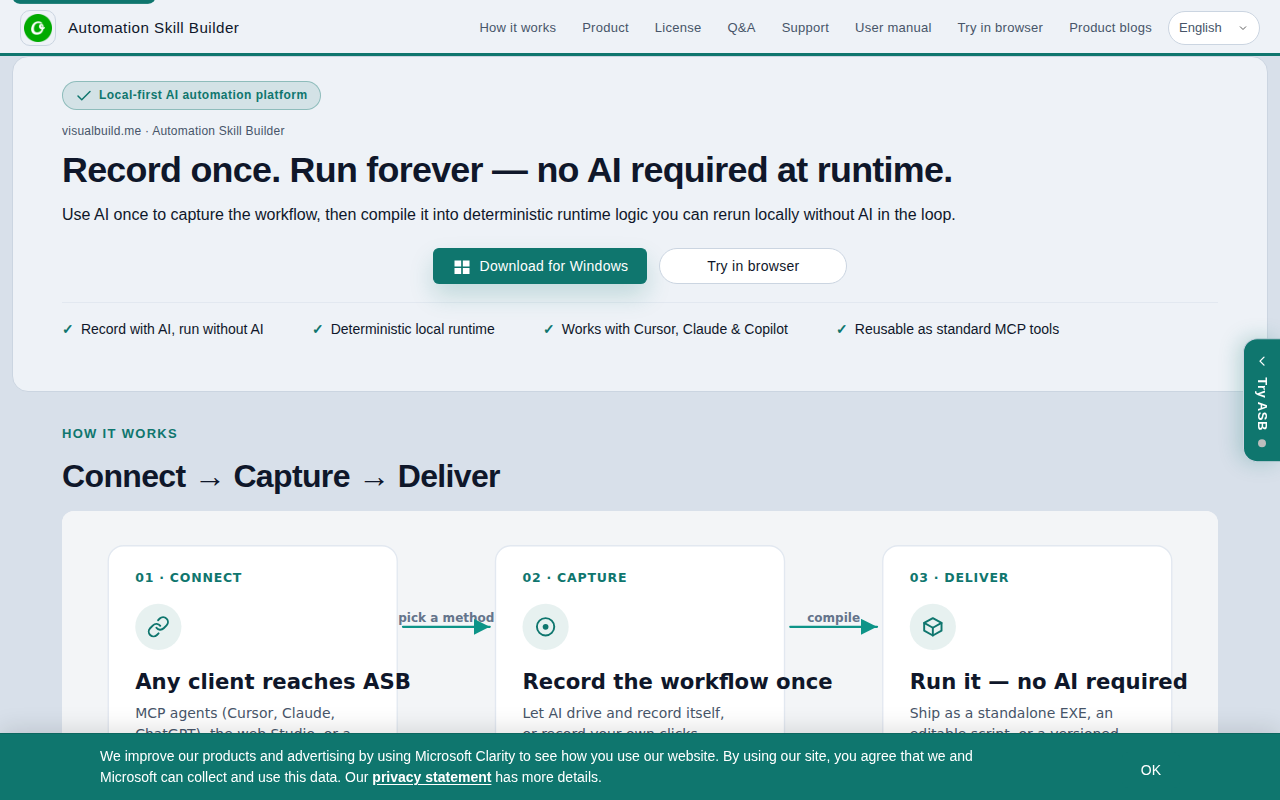
它的思路很直接:你用可视化方式录一套桌面操作流程
然后把它封装成 MCP 技能
AI Agent 想用的时候
直接调协议就能跑
不写代码,不搞配置地狱
The idea is straightforward: you visually record a
desktop workflow, then package it as an MCP
skill. When your AI agent needs it, it
just calls the protocol. No code, no config
hell
★ SIGNAL 1
桌面操作不是简单的点击录制
Desktop automation that isn't just click recording
市面上很多桌面自动化只是录鼠标轨迹
换个分辨率就废
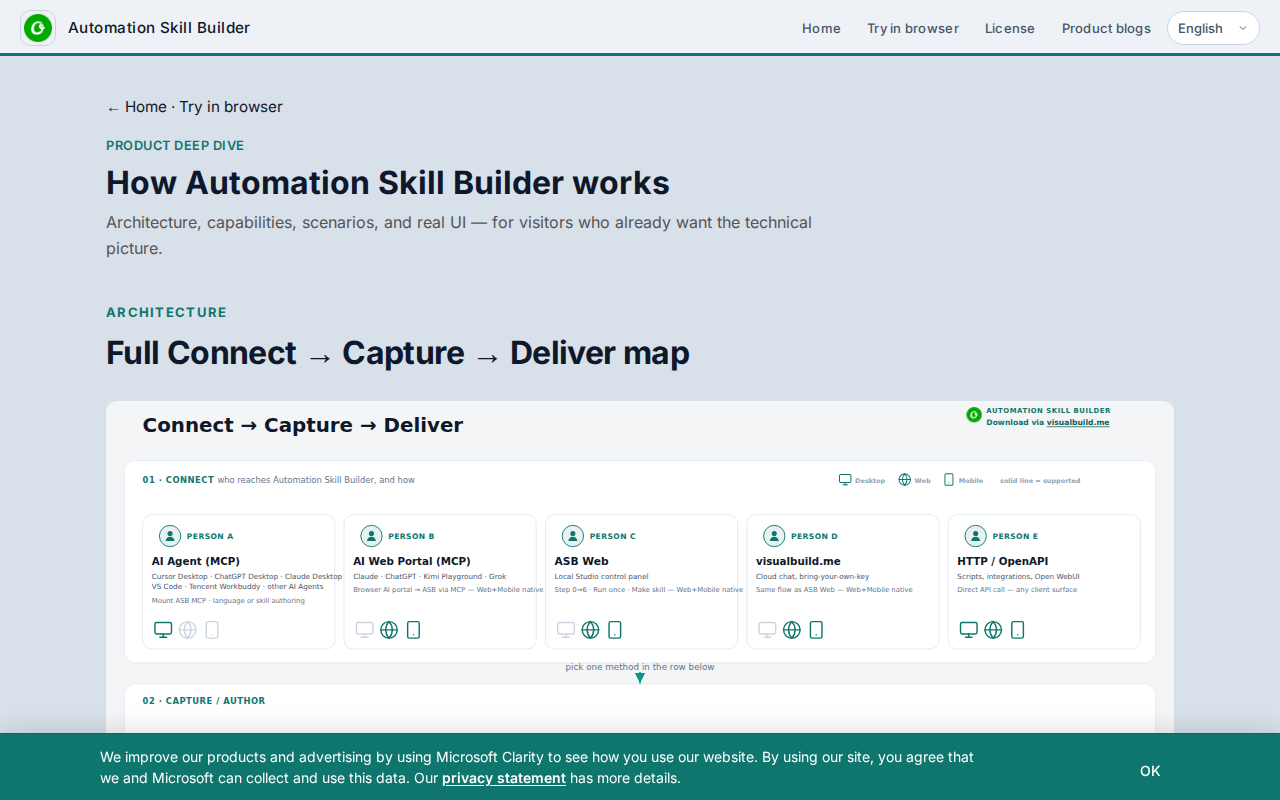
这个工具关注的是结构化的操作能力——窗口定位
文件读写、应用状态判断
做出来的技能能适应真实环境
不是脆弱的宏脚本
Most desktop automation tools just record mouse coordinates
— change your resolution and it breaks. This
focuses on structured capability: window targeting, file I/O
app state detection. Skills that survive the real
world, not fragile macros
★ SIGNAL 2
MCP:让技能被任意 AI 调用
MCP: any AI can call your skills
选 MCP 而不是私有协议
这是个品味决定
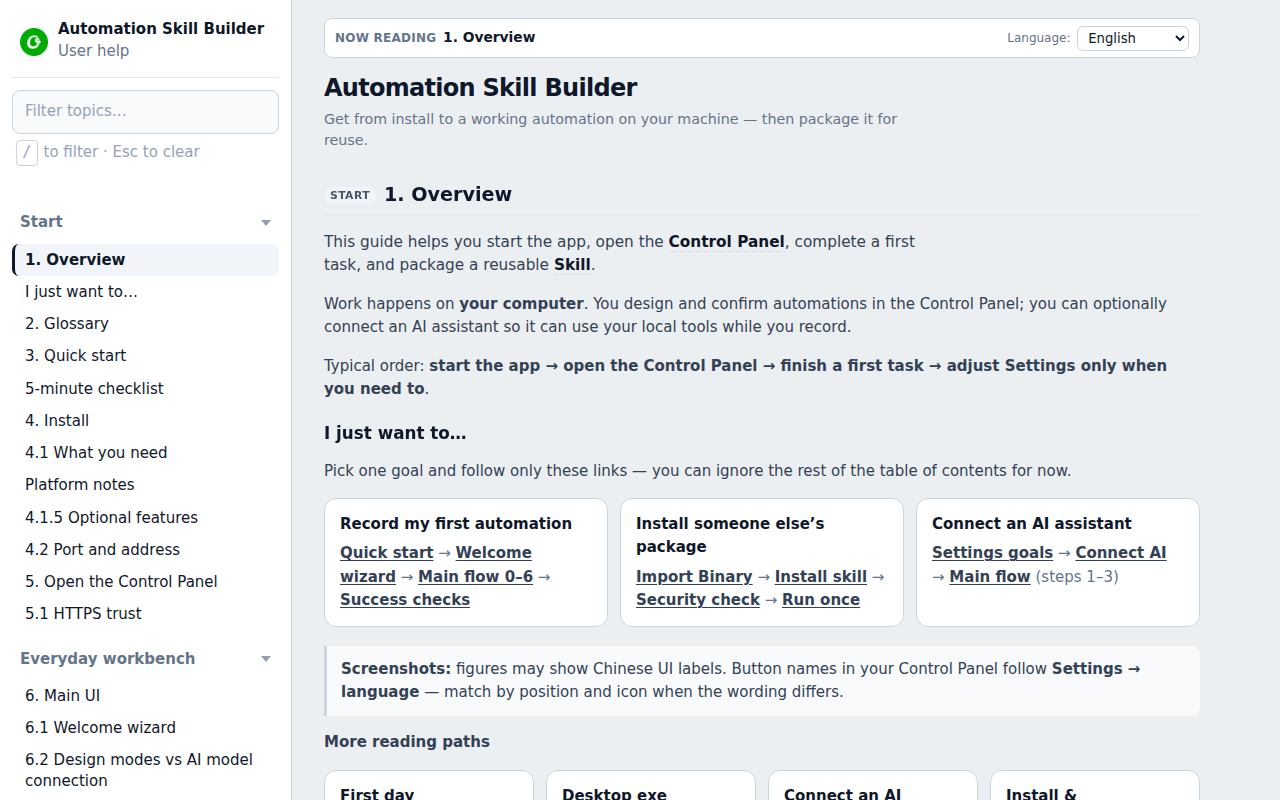
标准公开意味着 Claude 能用
Cursor 能用
任何支持 MCP 的客户端都能用
你花时间构建的技能不会因为换了 AI 工具就作废
Choosing MCP over a proprietary protocol is a
taste call — it means Claude works, Cursor
works, any MCP-compatible client works. Skills you build
don't die just because you switched AI tools
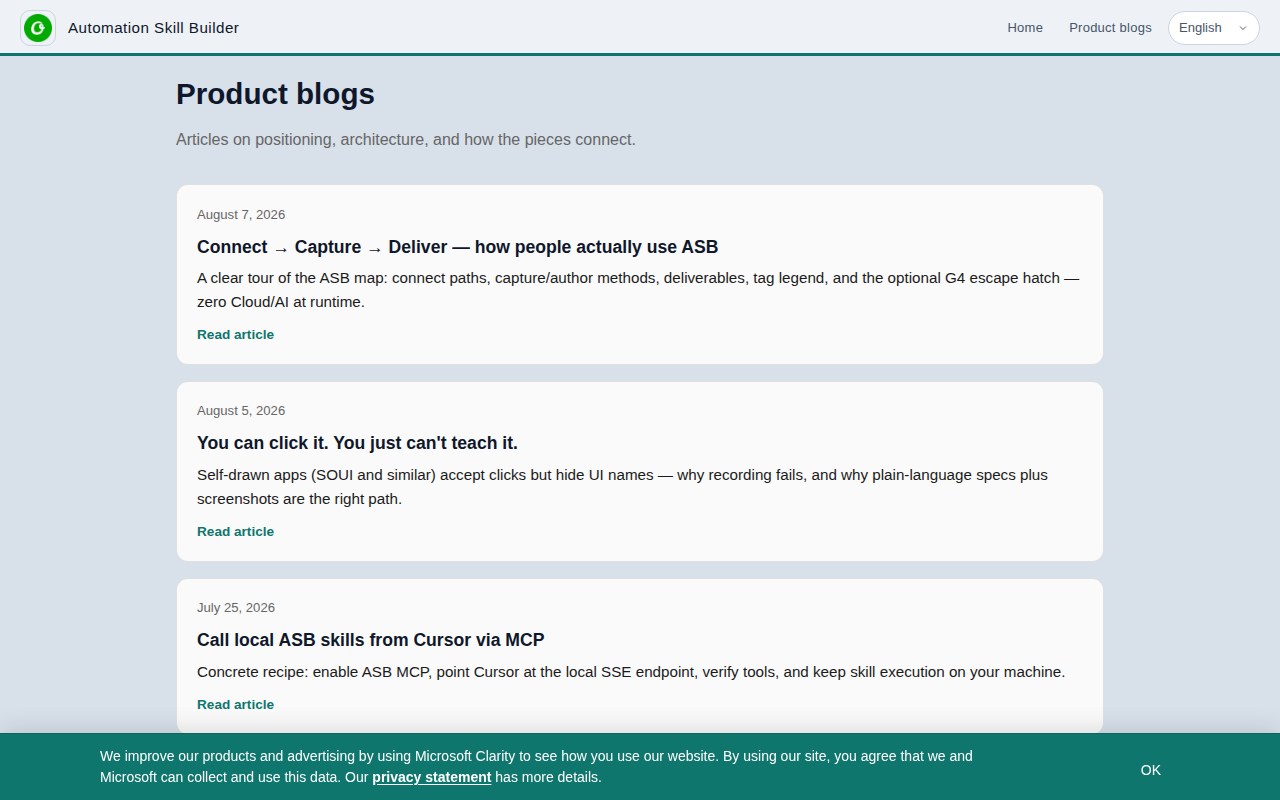
桌面自动化最大的坑不是怎么录
而是 AI 调用后怎么判断结果对不对
失败了怎么回退
这类工具目前还在早期阶段
真正复杂的边界场景还需要时间打磨
但方向本身值得关注
The biggest trap in desktop automation isn't recording
— it's knowing if the result is correct
and recovering when it fails. These tools are
still early, and gnarly edge cases need more
work. But the direction is worth watching
AI UNDERDOGS
用可视化方式给 AI 教一门桌面手艺
Teach your AI a real desktop skill — visually
Automation Skill Builder
关注 · 每天发现更多 AI 神作
www.visualbuild.me