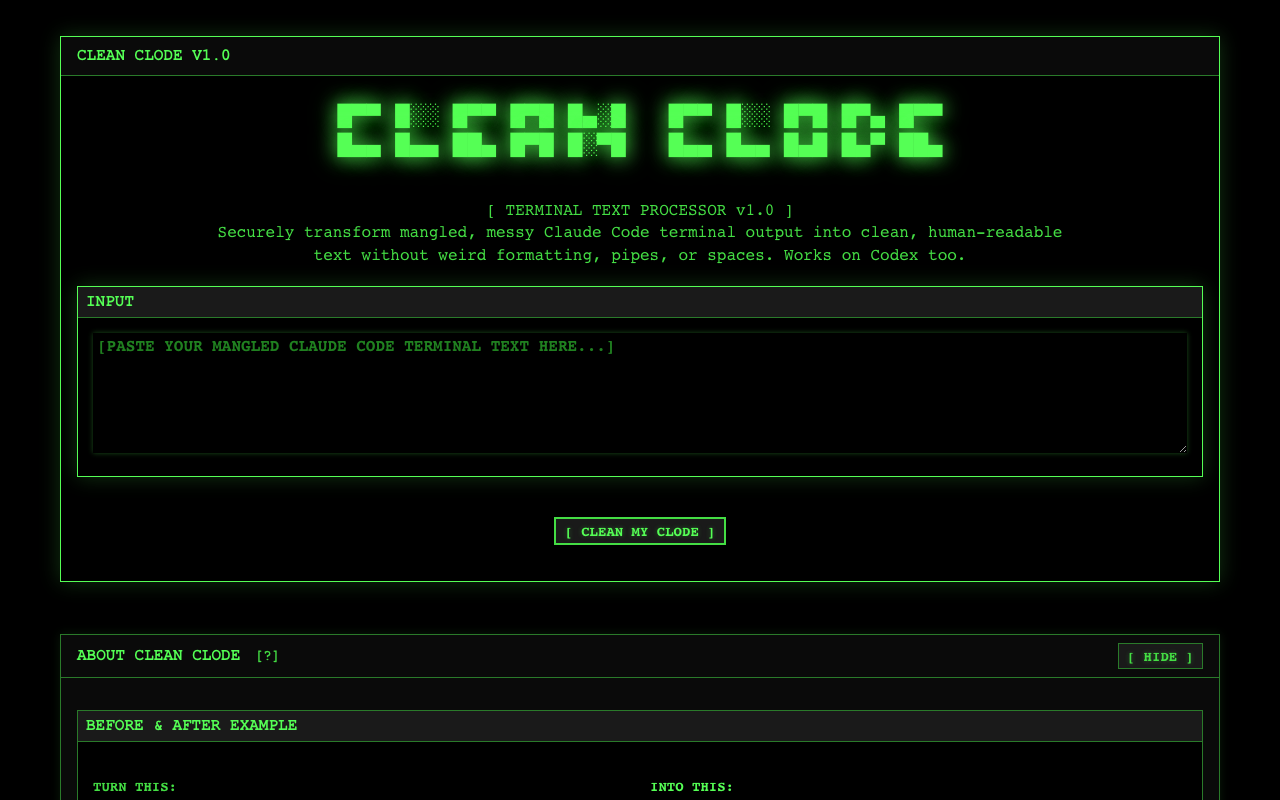
Clean Clode
cleanclode.com →Someone finally fixed the terminal-paste mess from Claude Code
WHAT IT SOLVES
Copy anything from Claude Code's terminal and you get a wall of box-drawing chars, pipes, and phantom whitespace. Every. Single. Time.
WHY IT'S INTERESTING
A tiny pain point, but a real one
Not another generic terminal beautifier. This solves one specific moment: you copy from Claude Code CLI and the output is garbage. Codex output too. The name is Clean + Clode (Claude Code) — dead obvious, mildly charming
100% client-side, zero uploads
Everything runs client-side. No data leaves your browser. For devs pasting proprietary code into cleanup tools, that's not a nice-to-have — it's table stakes
TECH GUESS
Pure frontend — likely regex against Unicode box-drawing ranges plus whitespace collapsing. No backend needed
DEEP DIVE
The Last Mile of Copy-Paste Finally Gets Fixed
You run Claude Code or Codex, the terminal output looks clean and structured, then you copy-paste it—and suddenly you're staring at a wall of │, ─, ┌, ┘, stray pipes, and bizarre whitespace. Manually cleaning this up takes two to three minutes every single time. It's a small but real pain point that nearly every developer using AI terminal tools has hit. Clean Clode fixes exactly this: it strips terminal formatting artifacts and gives you clean, readable text.
Who Built It and Why
Thewojo posted the Show HN thread (6 points, 2 comments). The name—Clean Clode, a portmanteau of Clean and Claude Code—tells you everything about the motivation. This is a itch-driven side project, not a VC-backed product. The author noticed they were repeatedly scrubbing box-drawing characters and whitespace from terminal pastes, and built a tool to automate it. Notably, Clean Clode also handles Codex output, which suggests the author recognized this isn't a Claude-specific bug—it's a systemic problem with how AI terminal tools render structured output.
Pure Frontend, Zero Upload—But That Has a Ceiling
Clean Clode runs entirely in your browser. No data leaves your device. For developers copying outputs that contain API keys, internal hostnames, or proprietary logic, this isn't a nice-to-have—it's a hard requirement. The technical implementation is almost certainly simple: regex matching against the Unicode Box-Drawing character range (U+2500–U+257F) plus whitespace normalization. No backend needed; a single HTML file with a few dozen lines of JavaScript could do it. The upside is instant access, zero deployment. The limitation: it only handles formatting characters. It won't interpret your code, won't do semantic-level cleanup, and may still require manual tweaks for deeply nested terminal output.
Who Should Use It, Who Should Skip It
If your daily workflow is Claude Code → terminal output → paste into docs, Slack, or a PR description, Clean Clode directly eliminates a manual step. It's ideal for developers who frequently share terminal output with non-technical teammates. On the flip side, if you rarely copy from the terminal, or if your editor already has built-in paste filtering (like VS Code's "Paste as Plain Text"), this tool is optional at best. It's not for every developer—it solves friction in a specific workflow.
The Honest Take
Clean Clode is a textbook small-and-beautiful indie tool: the pain point is real, the solution is deliberately narrow, and privacy is the default rather than a selling point. It won't change how you work, but it will make one annoying part slightly less annoying. The HN comment thread is telling: someone quickly shared a similar script for Gemini CLI (parsegeminiclisaves.sh), confirming this problem exists across the entire AI CLI ecosystem. Clean Clode just happens to be the first to package the fix as a product. The lukewarm engagement—6 points, 2 comments—reflects the narrow audience, but for that audience, it genuinely works.
Discussion (0)
- No comments yet — be the first.
Related
 #229▶ 136
Upload your textbook. AI teaches it back to you, chapter by chapter
 #228▶ 112
Someone needs to watch the AI spend meter
 #227▶ 184
Your users are kittens. Don't let them fall off the cliff