atrium
getatrium.dev →Your coding agent crashed mid-task. atrium brings it back exactly where it stopped
WHAT IT SOLVES
Run five or six coding agents at once and you lose track: windows everywhere, crashes lose state, close the app and it's all gone
WHY IT'S INTERESTING
Manual, not autopilot
The author is explicit: "Not unattended orchestration." This is for people who want to watch, steer, and interrupt. While every other agent tool races toward automation, atrium goes the opposite direction — keep the human in the loop. That's a deliberate design bet.
Workspace-level persistence
Not session snapshots — full workspace persistence. Agent state, window layout, execution history — all restored after a crash or reboot. That's a non-trivial engineering problem to solve properly.
「Starting agents is easy. Staying close to the work is the hard part」
TECH GUESS
Native macOS app, likely Swift/SwiftUI, with Rust or Go handling the process management layer
DEEP DIVE
While Everyone Yells 'Let Go,' atrium Asks You to Stay Close
At a time when every AI coding agent tool is racing toward full autonomy, atrium's core pitch sounds almost contrarian: don't let go — stay close. Developer jonnyasmar stated it plainly in the Show HN post: "Starting agents is easy. Staying close to the work is the hard part." This hits a real pain point. You spin up four or five Claude Code or Codex instances running different tasks, and then one crashes. You have no idea where it stopped, what files it touched, or how many lines it wrote.
atrium's answer isn't "let it recover itself." It's "let you pick up exactly where it left off." This isn't a shortcut — it's a deliberate product philosophy: acknowledging that today's AI agents aren't reliable enough to run fully unattended, and rather than pretending otherwise, giving you tools to watch, interrupt, steer, and resume on your terms.
Workspace-Level Persistence: Not Saving Sessions, Saving Rooms
atrium calls itself "a persistent, programmable workspace" — the key word being workspace, not session. A session saves conversation history. A workspace saves the entire working environment: agent runtime state, window layout, task progress, operation history, and even the spatial arrangement between multiple agents. In atrium's metaphor, each agent lives inside a "room" that survives crashes, reboots, and reopenings.
This is non-trivial engineering. When a CLI agent process dies, its state is scattered across the filesystem, terminal buffers, and environment variables. Reassembling those fragments into a recoverable unit requires deep understanding of the agent's runtime. Supporting both Claude Code and Codex means handling at least two different CLI agent protocols and state models — that's real integration work, not a wrapper.
Tiling Window Manager: A macOS-Native "Control Room"
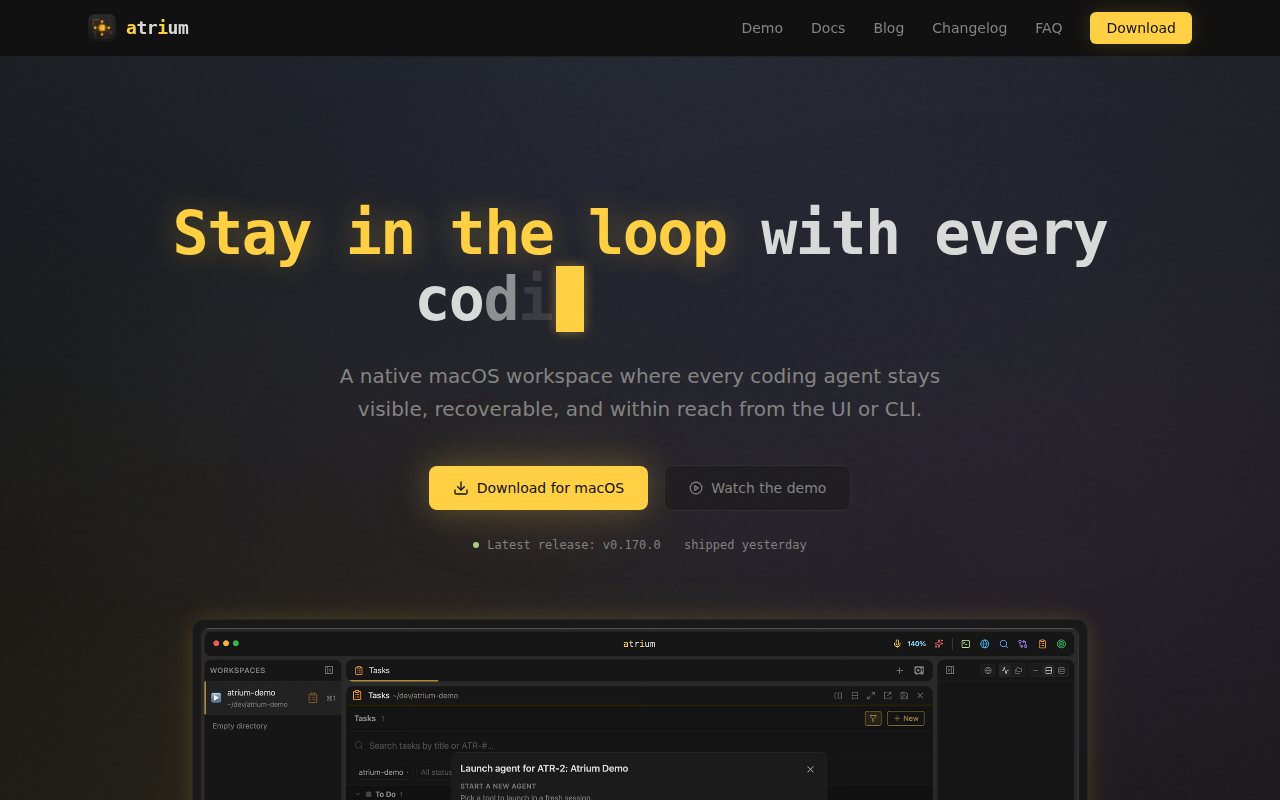
atrium is a native macOS app with a tiling window layout. Think i3wm or Amethyst — but designed not for terminal enthusiasts, but specifically for the "run multiple AI agents simultaneously" use case.
Picture this: you split your screen into six tiles, each containing a Claude Code instance working on a different module. One glance tells you who's doing what, who's stuck, who's done. That's dramatically more useful than Cmd+Tab-ing between six terminal windows. The v0.170.0 version number suggests rapid iteration — this product is still in its early shaping phase.
Who Should Use This (and Who Shouldn't)
The target user is crystal clear: you run multiple AI coding agents in parallel, you don't fully trust their autonomous judgment, and you want to observe, intervene, and resume from breakpoints at any time. Typical scenario: you're using Claude Code for a large refactor while Codex writes new features, and you still need to hand-edit a few lines — atrium gives you a unified cockpit.
Equally clear is who shouldn't bother: if your workflow is "hand agent a task, close laptop, go to sleep," atrium isn't built for you. Its entire design assumes you're watching, reading, and intervening. That also means it's best suited for complex, high-stakes tasks where agent errors are a real concern — not simple scaffolding generation.
Honest Limitations
First, ecosystem lock-in: atrium currently supports Claude Code and Codex, but the AI coding agent landscape shifts every few months. Whether support can expand fast enough is an open question. Second, macOS-only — Linux developers (a significant chunk of CLI agent users) are out of luck for now. Third, the post had 0 HN comments at the time of writing, meaning the community hasn't stress-tested claims about crash recovery and persistence. Fourth, v0.170.0 signals fast shipping, but also that this is very early-stage software; stability and edge-case handling remain to be proven.
One-line summary: atrium isn't trying to make AI more autonomous. It's trying to make humans feel more in control. On a track where everyone is chasing full automation, that's a contrarian taste worth watching.
Discussion (0)
- No comments yet — be the first.
Related
 #229▶ 136
Upload your textbook. AI teaches it back to you, chapter by chapter
 #228▶ 112
Someone needs to watch the AI spend meter
 #227▶ 184
Your users are kittens. Don't let them fall off the cliff