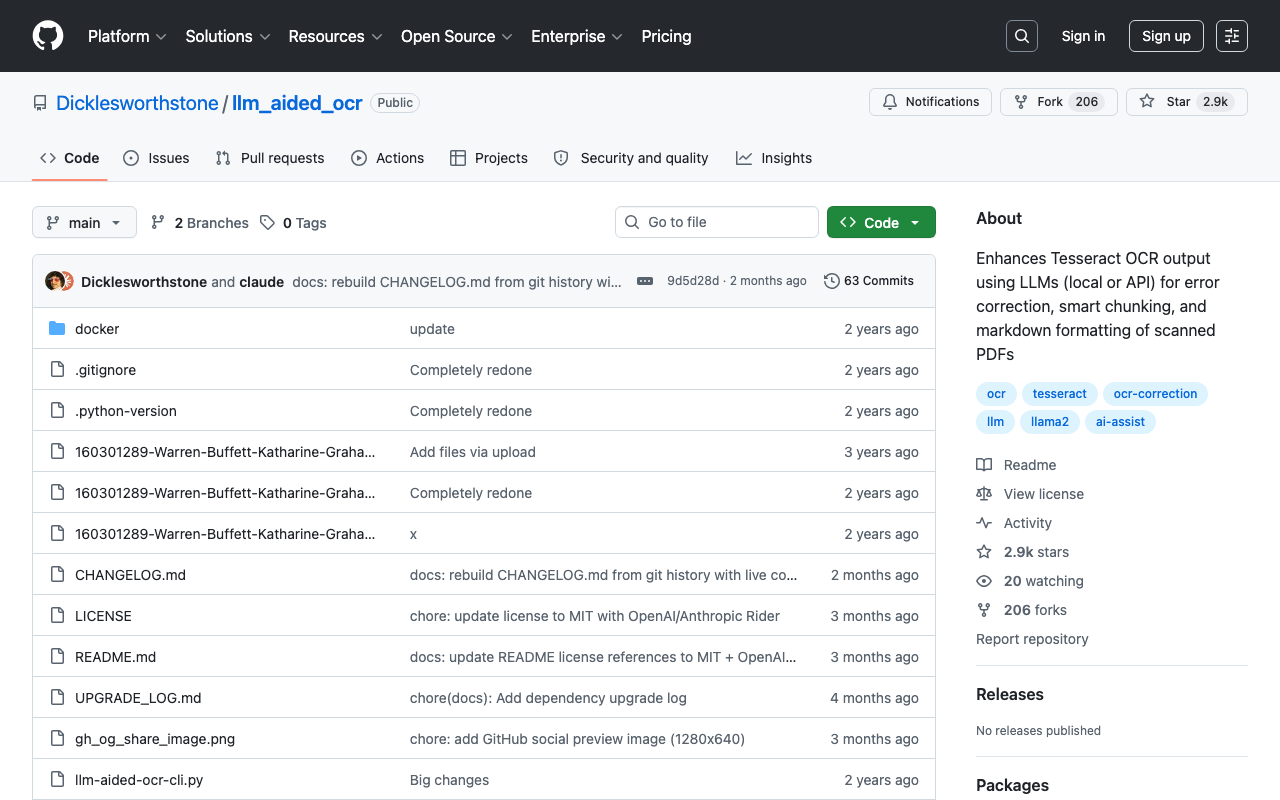
LLM-aided OCR
github.com/Dicklesworthstone/llm_aided_ocr →Tesseract gets it wrong. Let an LLM fix it
WHAT IT SOLVES
Tesseract OCR is free and everywhere, but it mangles characters constantly. Instead of retraining or tuning, this repo hands the messy output to an LLM and says: proofread this
WHY IT'S INTERESTING
Don't rebuild the wheel — patch it
Tesseract writes the rough draft, the LLM does copyediting. Scanned PDF → Tesseract raw text → LLM corrects per-chunk and spits out clean Markdown. The clever bit is smart chunking: you can't stuff a whole page into a context window, so it breaks text semantically, fixes each piece, then stitches it back
Works with local models too
Not locked to a single API — supports both local LLMs and cloud endpoints. For anyone scanning contracts or medical docs, that's not a nice-to-have, it's the whole point. Docker-ready, 63 commits, proper changelog — this isn't a weekend drop-and-forget
TECH GUESS
Python, Tesseract OCR under the hood, OpenAI-compatible API interface, Docker for deployment
DEEP DIVE
Not Reinventing the Wheel, Just Patching It: An AI Proofreader for Tesseract
Tesseract is the go-to open-source OCR engine, but anyone who's used it knows the drill: scan a document, get 98% of the text right, and find a handful of annoying errors. Traditional fixes involve tuning parameters or training custom models—high effort, slow iteration. Developer eigenvalue (GitHub: Dicklesworthstone) took a different path: treat Tesseract's output as a "first draft" and use a Large Language Model (LLM) to proofread it. That's the core idea behind llm_aided_ocr.
The pipeline is straightforward: scanned PDF → Tesseract for rough extraction → LLM for per-chunk error correction and Markdown formatting. The clever part is the "smart chunking." You can't feed an entire page into an LLM's context window at once. The tool splits the text into semantically meaningful chunks, processes them in batches, and reassembles the result. This avoids the context loss you'd get from naive character-count truncation.
Local Model Support Isn't Just a Checkbox—It's a Requirement
The project works with OpenAI-compatible APIs and local LLMs via tools like Ollama. For handling sensitive documents—legal contracts, medical records—running locally isn't a nice-to-have, it's non-negotiable. In the HN thread, user Zambyte immediately planned to integrate it with Ollama for their screenshot-to-clipboard workflow, confirming the privacy angle resonates.
The author was candid in the discussion about his evaluation of alternatives: he "hadn't been able to find anything else that's totally free/open, that runs well on CPU, and which has better quality output than Tesseract." EasyOCR came up, but user aidenn0 reported it took 10 days to process a single page on an 8-core Ryzen 7 2700 (later found to be a config issue; corrected to ~22s). Even then, its punctuation and paragraph detection were worse than Tesseract's. This validates the project's philosophy: don't replace Tesseract; compensate for its weaknesses with LLMs.
The Real Value: Cutting Error Rate, Not Chasing Perfection
The tool's pragmatism is its strength. Tesseract's typical errors are misrecognized characters in otherwise coherent text—"clienr" instead of "client." LLMs excel at this kind of contextual correction. The approach accepts that OCR isn't perfect and adds a second pass that's cheap (in effort) and effective.
The project has solid traction: 2.9k Stars, 206 Forks, 63 commits. The HN post earned 479 points with 172 comments. Docker support is included, so getting started is painless.
Honest Limitations: It's Not a Silver Bullet
First, it depends on Tesseract's baseline quality. If Tesseract gets something catastrophically wrong (like reading "77" as "7", as user anonymoushn experienced), the LLM has no access to the original image and can't fix it. Second, the "smart chunking" uses heuristics; complex layouts like multi-column documents or tables may break the logic. The author himself admitted his iOS side project "would likely not handle two-column text very well." Finally, adding an LLM introduces latency and cost (API calls) or hardware demands (local models), a real tradeoff for batch processing.
Who Should Use This?
If you're doing OCR on scanned documents and Tesseract's error rate is a pain point—but you don't want to invest in training a custom OCR model—this is a practical solution. It's especially relevant for developers already using Tesseract who want better accuracy without switching engines. If your documents are sensitive, stick to the local LLM path. It's a textbook example of an AI-era indie dev tool: no grand ambitions to replace established software, just a smart, targeted improvement.
Discussion (0)
- No comments yet — be the first.
Related
 #229▶ 136
Upload your textbook. AI teaches it back to you, chapter by chapter
 #228▶ 112
Someone needs to watch the AI spend meter
 #227▶ 184
Your users are kittens. Don't let them fall off the cliff