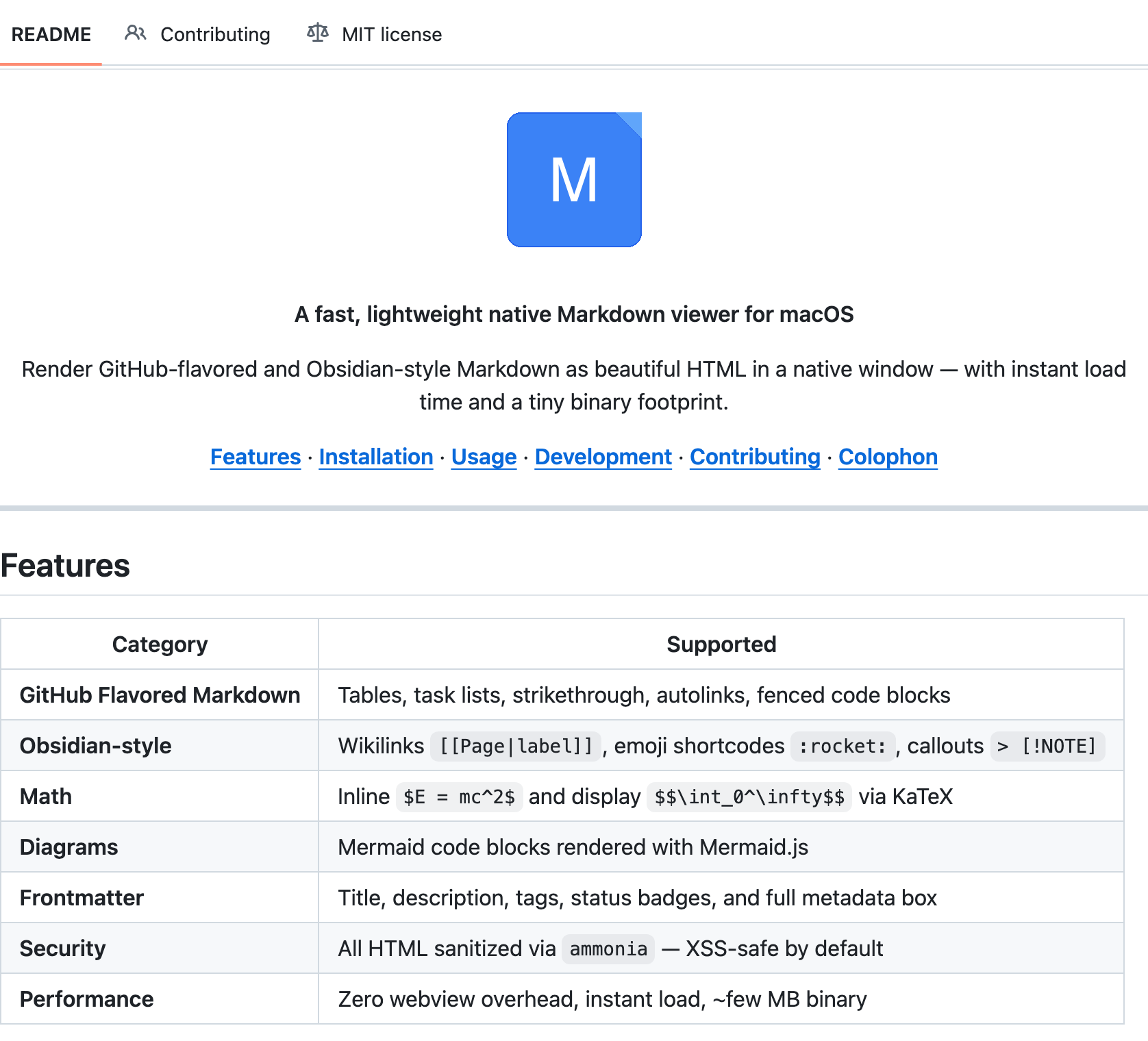
mdviewer
github.com/rajatarya/mdviewer →A native macOS Markdown viewer — built 100% by AI coding agents
WHAT IT SOLVES
He just wanted to double-click a .md file and read it. No VS Code, no browser tab
WHY IT'S INTERESTING
Local images? Inlined as base64, zero dependencies
Local image paths in Markdown are a pain most people solve with a local HTTP server. He converts them to data URIs and inlines them directly. No server, no fuss
Double-click to open + proper window management
Fixed double-click hangs and multi-file window stacking — macOS-specific edge cases that only surface when you actually use the thing daily
100% AI-coded, but it doesn't feel like it
66 commits, up to v1.6.1, with automated release notes. This isn't a one-shot vibe-coding demo — it's a maintained project
「Built 100% with AI coding agents」
TECH GUESS
Tauri (Rust + WebView), likely a lightweight Markdown renderer on the frontend
DEEP DIVE
The 10-Year-Old Problem No One Bothered to Fix
Every developer has dozens of .md files lying around — READMEs, meeting notes, design docs. But opening them is awkwardly friction-heavy: VS Code is overkill, a browser requires manual drag-and-drop, and macOS Quick Look's Markdown support is practically nonexistent. Rajat Arya built mdviewer for exactly this reason: double-click a .md file, see it rendered. No extra steps. It's the kind of obvious gap that somehow persists across the entire macOS ecosystem despite Markdown being a de facto standard for over a decade.
Local Images, Solved Without Running a Server
Referencing local images in Markdown () is perfectly normal, but rendering them is a pain. WebView security policies block file:// resource loading, so most solutions spin up a local HTTP server as a proxy — adding complexity and potential attack surface. mdviewer takes a cleaner route: it reads local images, converts them to base64 data URIs, and inlines them directly into the HTML. Zero dependencies, zero network, zero extra processes. This design choice looks simple but reflects a precise understanding of the use case — a Markdown viewer isn't an IDE, and shouldn't introduce any runtime overhead.
100% AI-Built, But Not a Vibe-Coding Throwaway
Rajat explicitly states “100% with AI coding agents” in the title, which naturally draws attention on HN. But the project's actual state tells a different story: 66 commits, version 1.6.1, GitHub Actions for automated release notes. This isn't a weekend Cursor demo posted for Show HN karma. The commit history shows real bug-fixing — resolving double-click hangs and multi-file window stacking, both macOS-specific edge cases. These aren't problems AI agents anticipate; you only discover them through daily use. Rajat is clearly dogfooding mdviewer, not just shipping homework.
Tauri Under the Hood, But You Don't Need to Care
The repo structure reveals a Tauri stack (Rust backend + WebView frontend), which explains the lightweight footprint. The frontend likely uses a minimal Markdown rendering library with hand-rolled styles. The Rust layer handles filesystem operations and window management. The entire app is scoped to viewing — no sidebar, no file tree, no plugin system. Just open, render, read. That restraint is something many indie projects lack; the temptation to bolt on an editor, a file manager, and a sync engine is real, and mdviewer resists all of it.
The One HN Comment That Asks the Real Question
The Show HN post received 6 points and 1 comment. That single comment, from binyang_qiu, cuts straight to the core anxiety of AI-generated software: “For me, the interesting part is the review loop after agents have written the code. For a native app that handles files and sanitized HTML, did you rely more on tests, manual use, or reading the generated Rust/JS directly?” For a desktop app that touches the filesystem and renders user-provided HTML, sanitization gaps are a real security concern. The thin engagement on HN (6 points, 1 comment) reflects the trust barrier pure AI-generated projects still face — it's not about capability, it's about audit cost. When every line is machine-written, who verifies that the HTML sanitization actually works? That question remains open.
Discussion (0)
- No comments yet — be the first.
Related
 #229▶ 136
Upload your textbook. AI teaches it back to you, chapter by chapter
 #228▶ 112
Someone needs to watch the AI spend meter
 #227▶ 184
Your users are kittens. Don't let them fall off the cliff