Screen Now
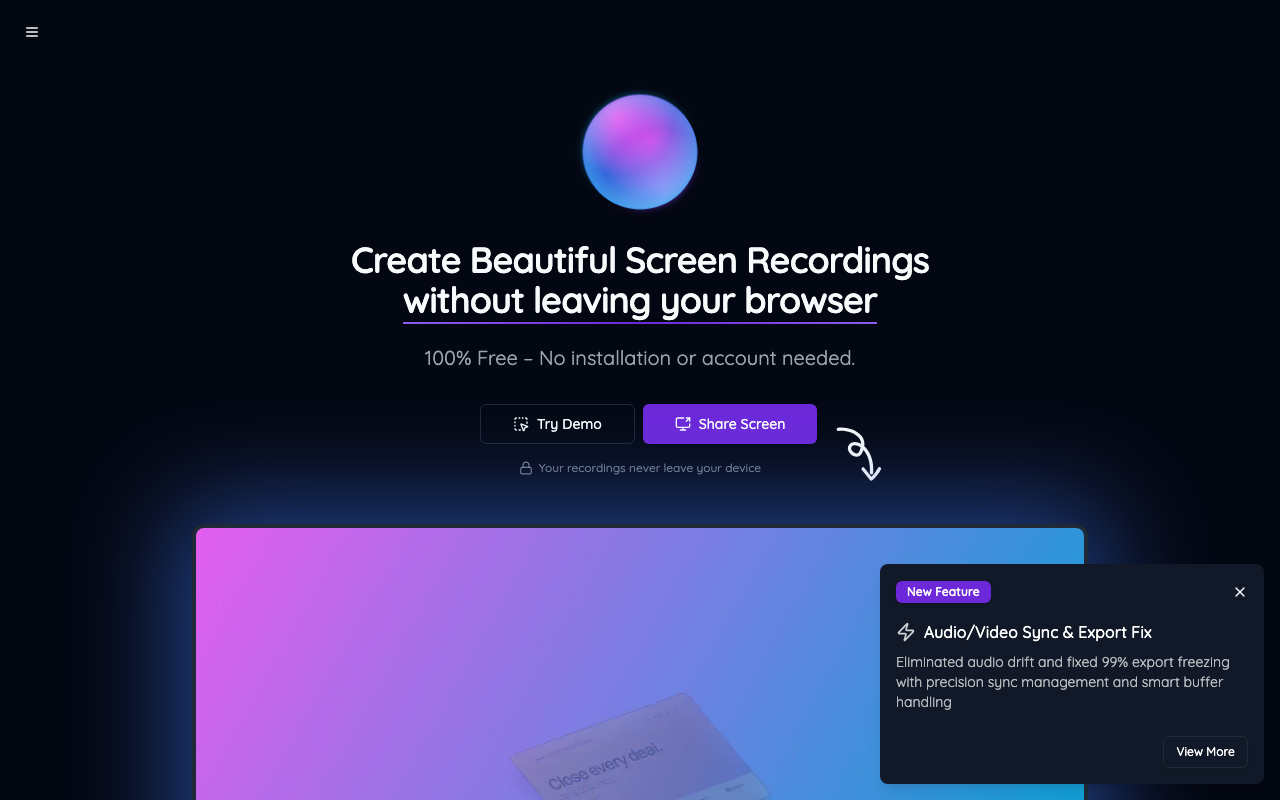
screen.now →A free Screen Studio alternative that runs in the browser — and the author admits it was vibe coded
WHAT IT SOLVES
Screen Studio costs $89 and is Mac-only. Most people just want a decent-looking screen recording without paying or installing anything
WHY IT'S INTERESTING
Zero friction, literally everything stays in the browser
No install, no account, recordings never leave your device. The author cut Screen Studio's paywall and privacy concerns in one move. Choosing privacy-first shows he's actually thought about what users care about
Audio drift and export freezes — he actually fixed the hard stuff
Audio-video sync and export hangs are the real pain points of browser recording. The author built precision sync management and smart buffer handling to fix 99% of export freezes. Browser-level A/V sync is genuine technical grunt work — not a wrapper-around-an-API situation
Says it right in the title: vibe coded
No pretending this was a three-year labor of love. The HN title leads with 'vibe coded' — which paradoxically makes it more trustworthy. It works, it's free, bugs get fixed, no packaging
「"I vibe coded a free screen studio alternative that runs in the browser"」
TECH GUESS
WebRTC for capture + MediaRecorder API for recording + WebAssembly or JS for A/V sync and export — fully client-side architecture
DEEP DIVE
No Install, No Account, No File Uploads
Screen Studio is one of the best-rated screen recorders on Mac, but it costs $89 and requires a native app install. For developers who just need to record a quick demo or bug reproduction, that's a steep ask. Screen Now targets exactly this gap: open a browser tab and start recording — no installation, no sign-up, and files never leave your local device.
The tagline "Your recordings never leave your device" isn't decorative. The biggest privacy concern with browser-based recording is file upload to remote servers. Screen Now's pure client-side architecture eliminates that entirely. For recording technical demos or internal bug reports, this is a genuinely practical feature, not marketing fluff.
Vibe Coded — And the Author Says So Upfront
The HN post title reads: "I vibe coded a free screen studio alternative that runs in the browser." In the thread, author mrrxwyz explains the term: vibe coding, coined by Andrej Karpathy, means using AI tools like Cursor Composer with Sonnet to write code conversationally — "fully give in to the vibes, embrace exponentials, and forget that the code even exists." He even uses SuperWhisper for voice input, barely touching the keyboard.
This transparency is refreshing. Instead of pretending this is a polished three-year project, the author says plainly: AI helped me build this fast, it's free, and I'll fix bugs as they come. For indie developers, this is a healthy posture — lower expectations, iterate quickly, let the product speak for itself.
Two Real Technical Pain Points He Actually Addressed
Client-side screen recording isn't just a matter of calling getDisplayMedia(). Two notorious problems plague browser-based recorders: audio drift (audio and video falling out of sync) and export freezing (the file hangs or corrupts during finalization). Screen Now's changelog directly tackles both: "Eliminated audio drift and fixed 99% export freezing with precision sync management and smart buffer handling."
The likely stack involves WebRTC for screen capture, MediaRecorder API for encoding, and WebAssembly or finely-tuned JS for sync and export buffering. Regardless of implementation details, getting audio-video sync right in a browser is real engineering grunt work — the kind most side projects punt on or ignore entirely.
Who Should Use This (And Who Shouldn't)
Good fit: developers or PMs who need to record a quick screen demo for a colleague or client, don't want to install Loom/OBS/Screen Studio, care about privacy (no uploads), and have zero budget. The 12-point, 4-comment HN thread shows it's early days, but the core value proposition is clear.
Bad fit: anyone who needs post-production editing, multi-track timelines, auto-captioning, or team collaboration features. Screen Now's scope is deliberately narrow — free, lightweight, good enough. It doesn't try to be everything.
Honest Limitations
With only 12 HN points and 4 comments, community traction is minimal. The code is not open source: "Not at the moment, but I'm still considering open-sourcing it at some point," the author replied. If development stalls, users have no recourse — no fork, no self-hosting. For a vibe-coded project, this is the core risk: it might disappear the moment the author loses interest. Additionally, pure-browser performance for long, high-resolution recordings still needs battle-testing beyond a demo site. The 99% export fix claim is encouraging, but real-world edge cases will tell the real story.
Discussion (0)
- No comments yet — be the first.
Related
 #229▶ 136
Upload your textbook. AI teaches it back to you, chapter by chapter
 #228▶ 112
Someone needs to watch the AI spend meter
 #227▶ 184
Your users are kittens. Don't let them fall off the cliff